6
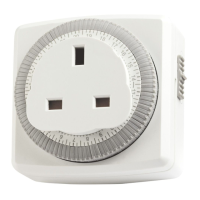
• Set the correct time of day by rotating the dial
clockwise until the correct time is indicated by
the ‘time of day pointer’ (See Diagram ‘A’).
• Plug the TG24 into a live socket.
• Plug your appliance into the TG24 and switch ON
the appliance. The TG24 will now repeat the set
programme day after day indefinitely.











 To Next Page