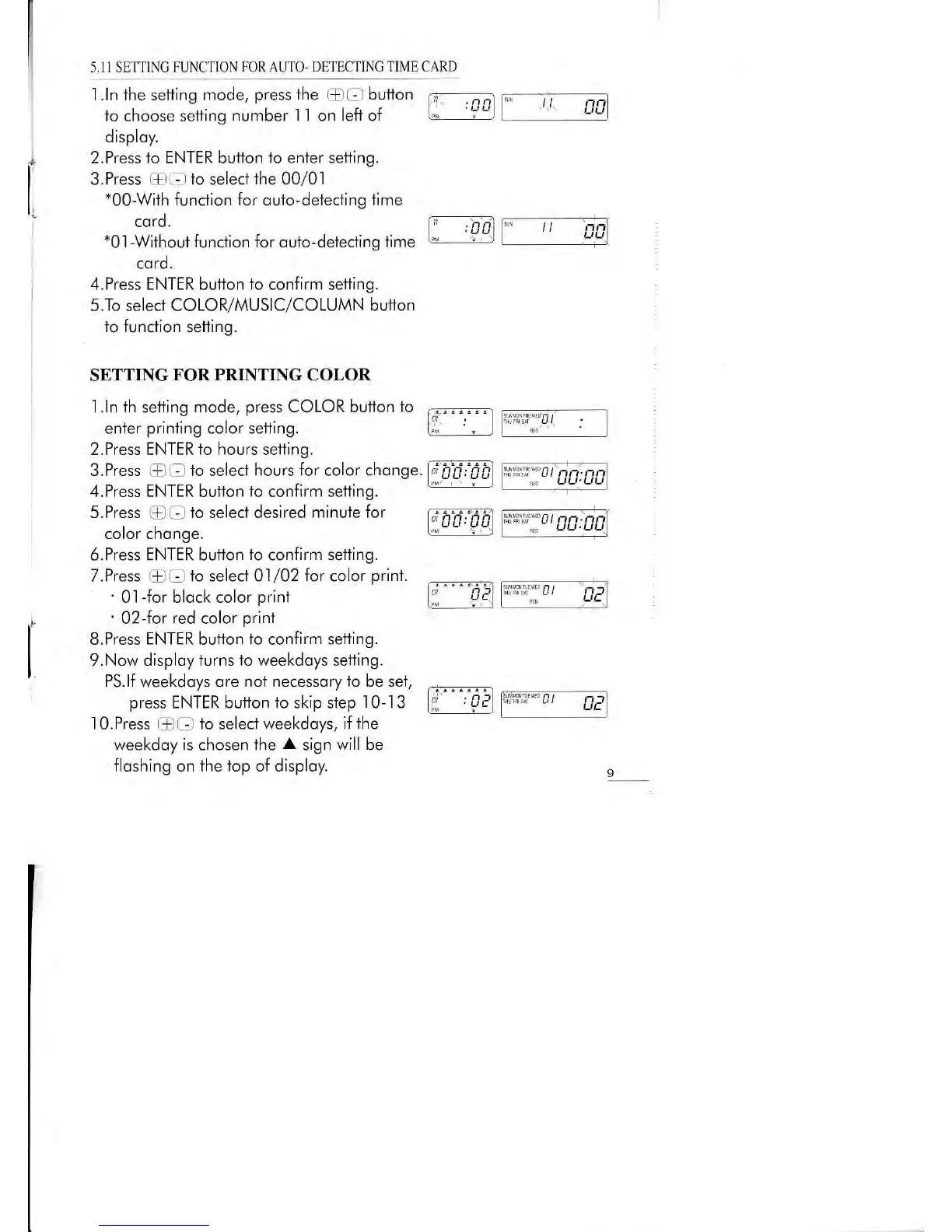
5,II SETTINC FUNCTIO\
FOR AUTO- DbTECTINC TTME CARD
disploy.
i
2.Press to ENTER butlon
to
enter
setting.
|
3.Press
EE
lo select
ihe
00/01
l,
-OO
Wilh function
for
ouio-deiecting
time
: cord.
I=A
*0'l-Wiihoui
funclion for outo-delecting
iime
L
cord.
4.Press ENTER
button
io confirm setling.
5.To selecl COLOR/MUSIC/COLUMN
button
io function
setting.
SETTING
FOR PRINTING
COLOR
1.ln th setting mode,
press
COLOR
bullon fo
,'-......t
enter
printing
color setting.
l*__- l
2.Press ENTER to hours sefling.
3.Press
-
-
to selecl
hours for
color chonge.
4.Press
ENTER
buflon
to
confirm setfing.
J.rress
+
_
ro
setecr
qestreo
mtnule Tor
v
h.d;1b)
color chonge.
I'M
'-
'
)
6.Press ENTER butlon
fo
confirm seiling.
T.Press
@ O
fo seleci 01
/02
|or
color
print.
'
0l
-for
block color
prinl
l::
.ga
.1,
'
02-for red color
prinl
t^
I
B.Press ENTER button
to
con{irm setting.
|
9.No*
disploy turns
lo weekdoys
setting.
'
PS.lf
weekdoys
ore not necessorylo besei,
.:--.....r
press
ENTER button to skip step
10-13
l*
'
qe)
l0.Press
FCI
to select weekdoys, i{the
weekdoy is chosen lhe
A
sign
will
be
floshing
on
the top of disploy.
1.ln the setting mode,
press
the
ttl
O
button
6,1
.;;1
fo choose settinq
number I I on left of
[";
'?"]
""C
I nn.
*"ctilfr:
cl
cl


 To Next Page