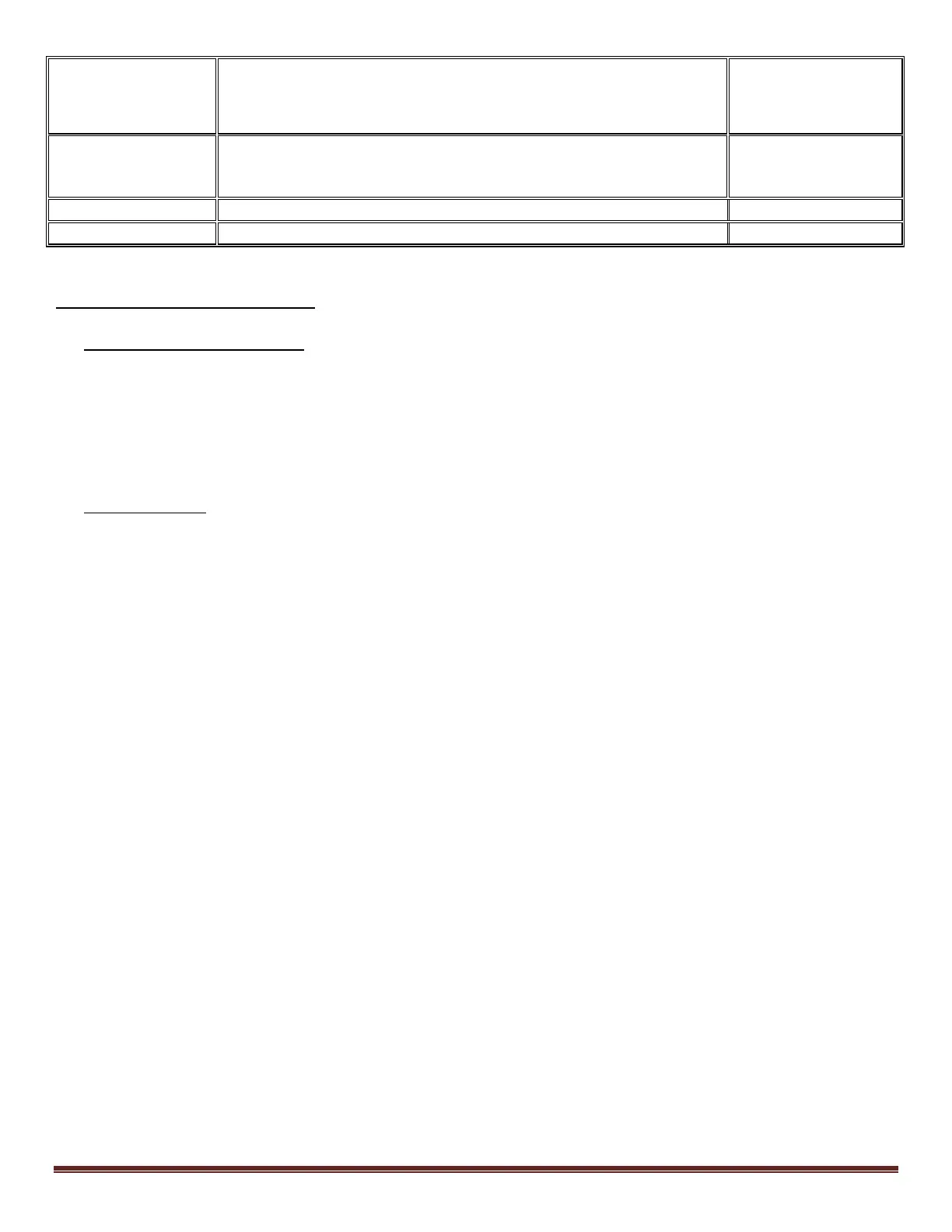
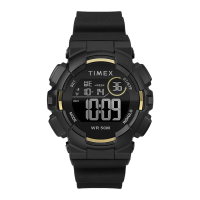
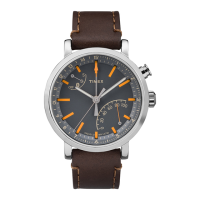
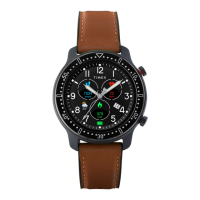
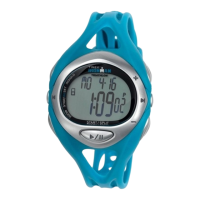
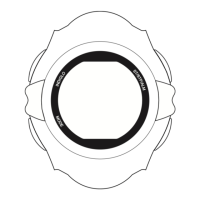
WATCH OPERATION GUIDE
TIMEX CONFIDENTIAL PROPRIETARY INFORMATION
Quality Control
Page 2 of 6
Model No(s):
M594 / M657
M892
M594-M657-M892 Watch Operation Guide Doc. No./Rev. 20170304
2.0 WATCH OPERATION AND SET-UP
2.1 INDIGLO AND NIGHT-Mode
a. Press INDIGLO button once to activate the feature.
The digital display will illuminate for two seconds.
b. Press and hold INDIGLO button for four seconds to turn Night-Mode on or off.
Note: Moon symbol on the watch display indicates Night-Mode is on.
When watch is in Night-Mode, Indiglo can be activated by pressing any of the watch buttons.
2.2 TIME-OF-DAY
a. Press and hold SET/RECALL button to set the Time-of-Day. Time Zone flashes.
b. Press START/SPLIT (+) or STOP/RESET (-) button to select between time zones (TIME 1 or TIME 2).
c. Press MODE (NEXT) button. Hour flashes. Press START/SPLIT (+) or STOP/RESET (-) button to change hour
(including AM/PM); hold to scan values.
d. Press MODE (NEXT) Minutes flashes. Press START/SPLIT (+) or STOP/RESET (-) button to change minutes
e. Press MODE (NEXT) Seconds flashes. Press START/SPLIT (+) or STOP/RESET (-) button to set seconds to zero.
f. Press MODE (NEXT) Day flashes. Press START/SPLIT (+) or STOP/RESET (-) button to change day of week.
g. Press MODE (NEXT) Month flashes. Press START/SPLIT (+) or STOP/RESET (-) button to change month.
h. Press MODE (NEXT) Day flashes. Press START/SPLIT (+) or STOP/RESET (-) button to change date.
i. Press START/SPLIT (+) or STOP/RESET (-) button to change value and then press MODE (NEXT) to go to the next
option. Available options are:
a. 12-hour or 24-hour format.
b. Month-Day or Day-Month (MM-DD or DD-MM) format.
c. Hourly CHIME turn ON or OFF.
d. Beep turn ON or OFF. If you select Beep “ON,” beep will sound every time you push a button except
INDIGLO button.
j. Press MODE (NEXT) to set second Time Zone, following procedure above.
k. Press SET/RECALL (DONE) at any step to exit and save settings.
Change Second Time Zone:
a. Press START/SPLIT once briefly to peek at 2
nd
time zone.
b. Continue to hold button for 4 seconds to switch to displayed time zone.


 To Next Page