3. Adjusting the Height
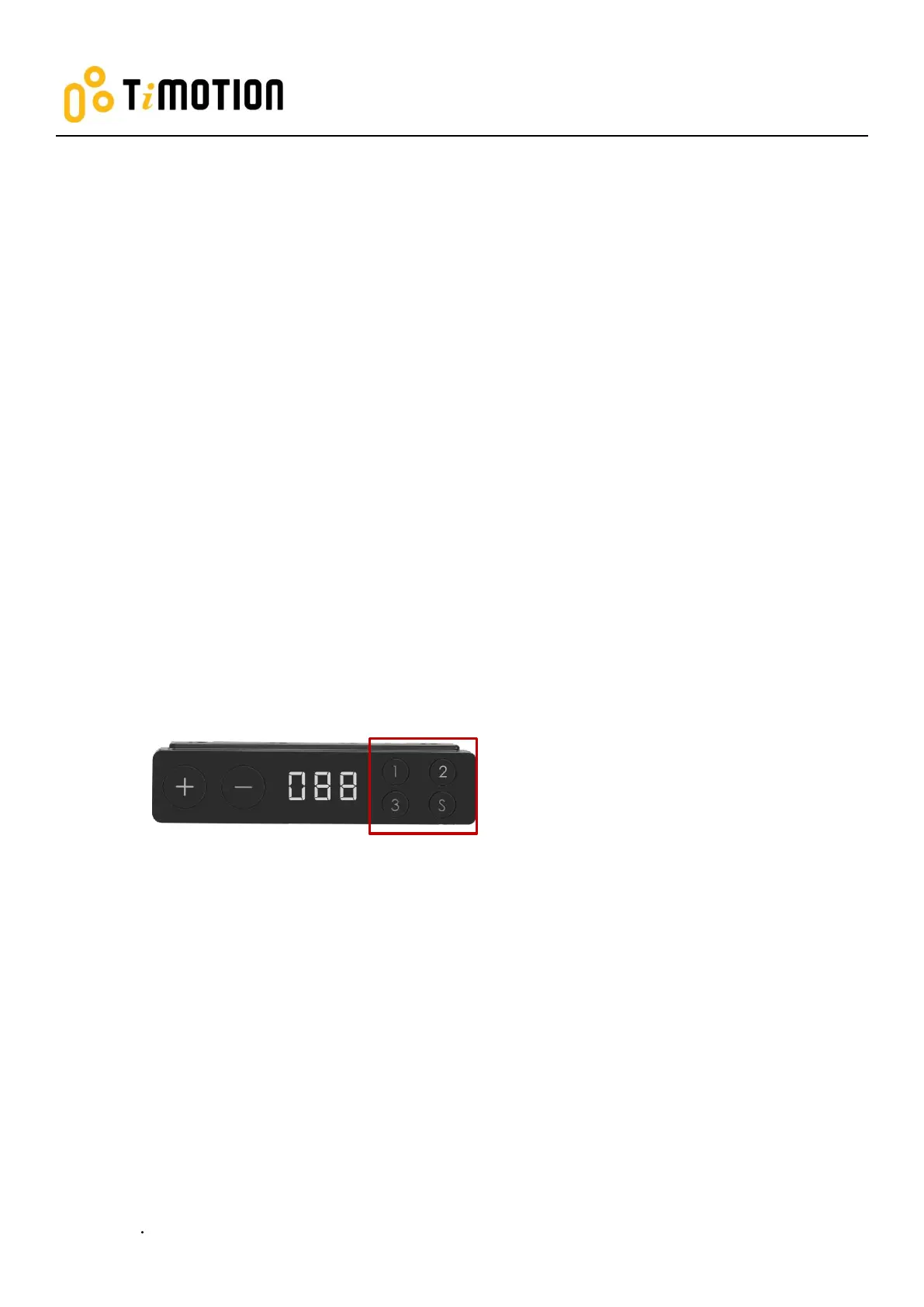
Press + or - button until the desk reaches the preferred height.
4. Setting the Memorized Position
TDH3 supports a maximum of 3 memory positions.
How to memorize a position:
1. Adjust the desk to the desired height.
2. Press S button for 3 seconds, the display will flash. Then, press the memory button 1, 2 or 3 you’d like to
save.
3. Press (and hold) button 1, 2 or 3 to move the desk to the memorized position. (Note 1)
Note 1: It depends on the control box setting whether or not the memory button needs to be held.



 To Next Page