Installation
28
en
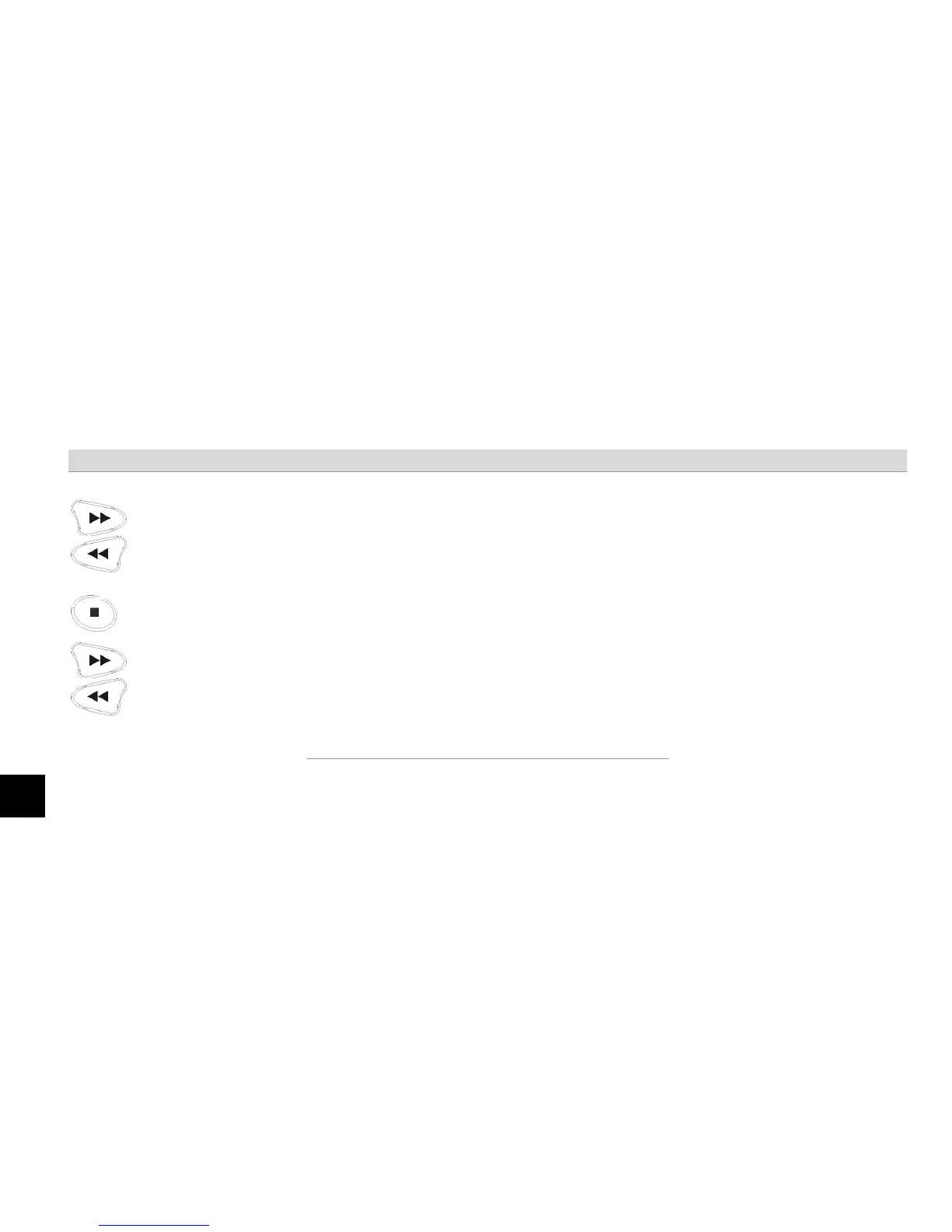
Select the first digit by pressing the
"Code/Forward" or "Memo/Back" buttons.
The display/announcement changes from 0 to 9.
Press "Stop" when the desired number is
displayed/announced.
The device quits with a short tone and announces/displays the second
digit of the code.
Select the second digit by pressing the
"Code/Forward" or "Memo/Back" buttons.
The display/announcement changes from 0 to 9.



 To Next Page