EasyManua.ls Logo

TIPTEL Ergophone 307 - User Manual

TIPTEL Ergophone 307
24 pages
Print Icon
To Next Page IconTo Next Page
Loading...
Operating instructions (en)
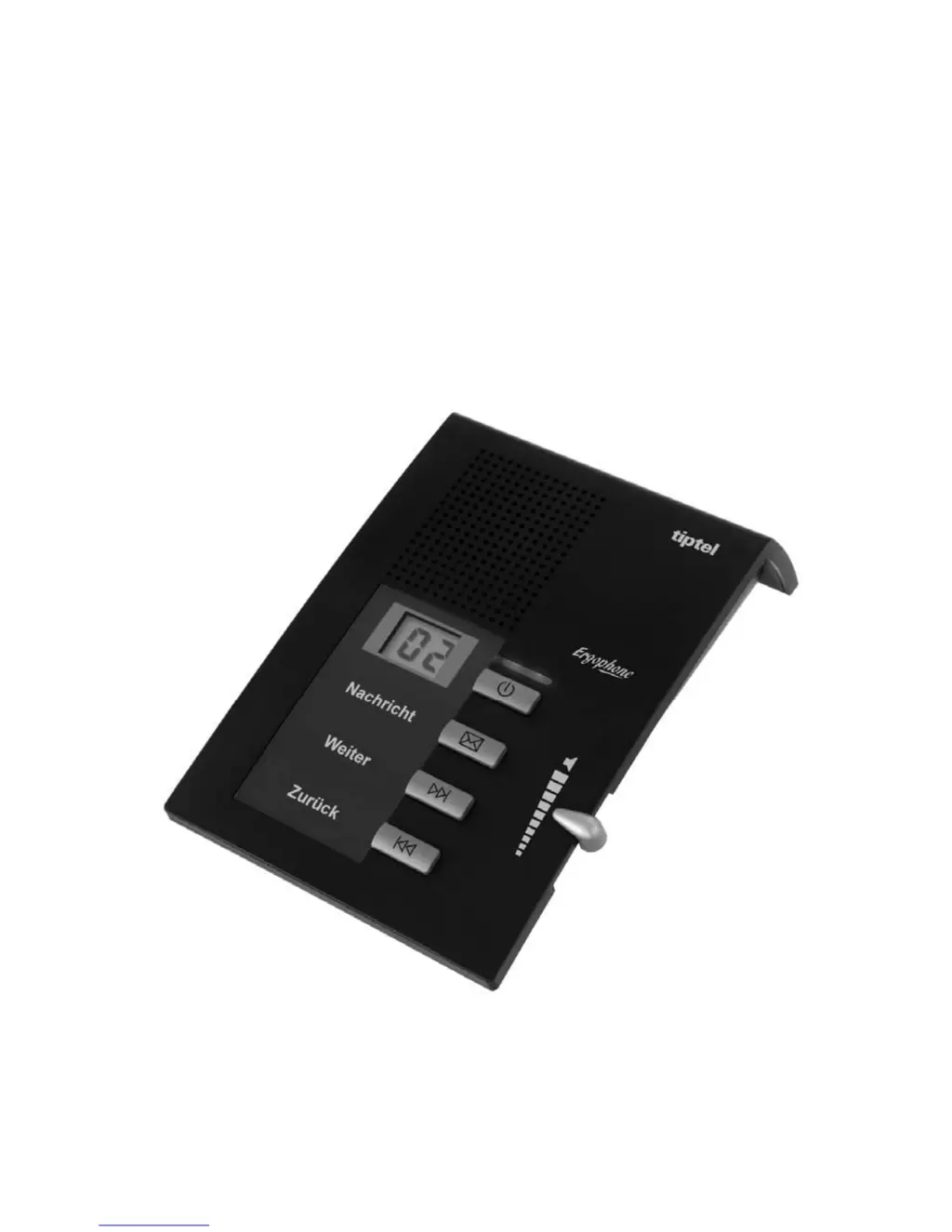
User-friendly answering machine with
excellent sound quality
Ergophone 307
tiptel

Questions and Answers

  • K
    Kevin HarrisAug 8, 2025
    How to fix a TIPTEL Ergophone 307 Answering Machine with no display?
    • D
      Dennis JacksonAug 8, 2025
      If your TIPTEL Answering Machine's display is not working, the device might not be properly connected to a power source. Check all cables and plug connections, and consider testing with another wall socket.
  • K
    Kevin HoffmanAug 13, 2025
    Why is there no tone on my TIPTEL Ergophone 307 Answering Machine?
    • I
      isaacevansAug 13, 2025
      If you are not hearing a tone on your TIPTEL Answering Machine, the volume might be set to zero. Try turning the volume up.
  • K
    Katherine TranAug 19, 2025
    What to do if TIPTEL Answering Machine is not receiving calls?
    • J
      Jennifer LawrenceAug 19, 2025
      If your TIPTEL Answering Machine is not receiving calls, ensure that the device is switched on using the "On/Off" key. The LED indicator should light up when it's on.
  • A
    april04Aug 23, 2025
    Why is my TIPTEL Answering Machine buzzing during playback?
    • D
      denise70Aug 23, 2025
      If you experience buzzing or interference during playback on your TIPTEL Answering Machine, it could be due to interference from devices like cordless telephones or monitors. Try changing the location of the answering machine.
  • N
    nvasquezAug 28, 2025
    TIPTEL Answering Machine: why no incoming calls and telephone not working?
    • C
      Carolyn HumphreyAug 28, 2025
      If your TIPTEL Answering Machine is not receiving incoming calls and the connected telephone isn't working, the issue might be with the connection cable or incorrectly wired sockets. Use only original cables to check that the sockets are working.
  • A
    Anna SandersSep 2, 2025
    Why TIPTEL Ergophone 307 doesn't answer with telecommunications systems?
    • T
      tdawsonSep 3, 2025
      If your TIPTEL Answering Machine isn't answering when connected to telecommunications systems, the telecommunications system might not have a signal. Check the telecommunications system's programming.

Summary

Safety Notices

Safe Installation and Connection

Guidelines for safe cable connection, installation, and avoiding electrical interference.

Device Handling and Environment

Precautions for device cleaning, environmental exposure, and power supply usage.

Controls

Device Layout Overview

Overview of the physical layout and key functions of the answering machine.

Assignment of Keys

Power On;Off Operation

Details on how to switch the answering machine's functions on or off.

Message Playback Controls

Instructions for starting, stopping, pausing, and resuming message playback.

Service

Connecting the Answering Machine

Step-by-step instructions for connecting the answering machine to the telephone line and power.

Switching On and Off

Device Power Control

How to switch the device on, off, and manage its power state.

Playing Back Messages

Appendix

Service and Guarantee

Information on product quality, service contacts, and warranty.

Troubleshooting

Common problems and their solutions for the answering machine.

TIPTEL Ergophone 307 Specifications

General IconGeneral
BrandTIPTEL
ModelErgophone 307
CategoryAnswering Machine
LanguageEnglish

Related product manuals