Announcement
Announcements
General
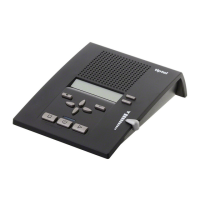
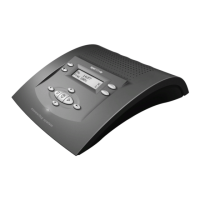
Your Ergophone 307 has an announcement function that can be
customised. The announcement can be between two and thirty se-
conds long.
Example of an announcement
Hello, you've reached Hermine and Manfred Müller in Ratingen. Sor-
ry we're not available right now. Please leave your name and phone
number and we will return your call. Please leave a message after
the tone.
Recording an announcement
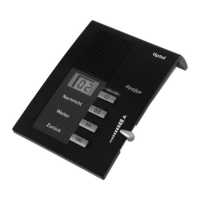
Press the "Record" key. Wait until you hear a voice
prompt.
Start speaking (speak into
ance of about 15 cm).
The display will show how many
seconds you have been speaking
for.
To end the recording, press
he "Record" key once more.
Recording is complete and the
announcement will play again for
you to check.
If you have reached the maximum announcement length of thir-
ty seconds, you will hear two beeps and the recording will stop
automatically.


 To Next Page