EasyManua.ls Logo

TIPTEL Ergophone 12 - User Manual

TIPTEL Ergophone 12
20 pages
Print Icon
To Next Page IconTo Next Page
Loading...
Operating instructions (en)
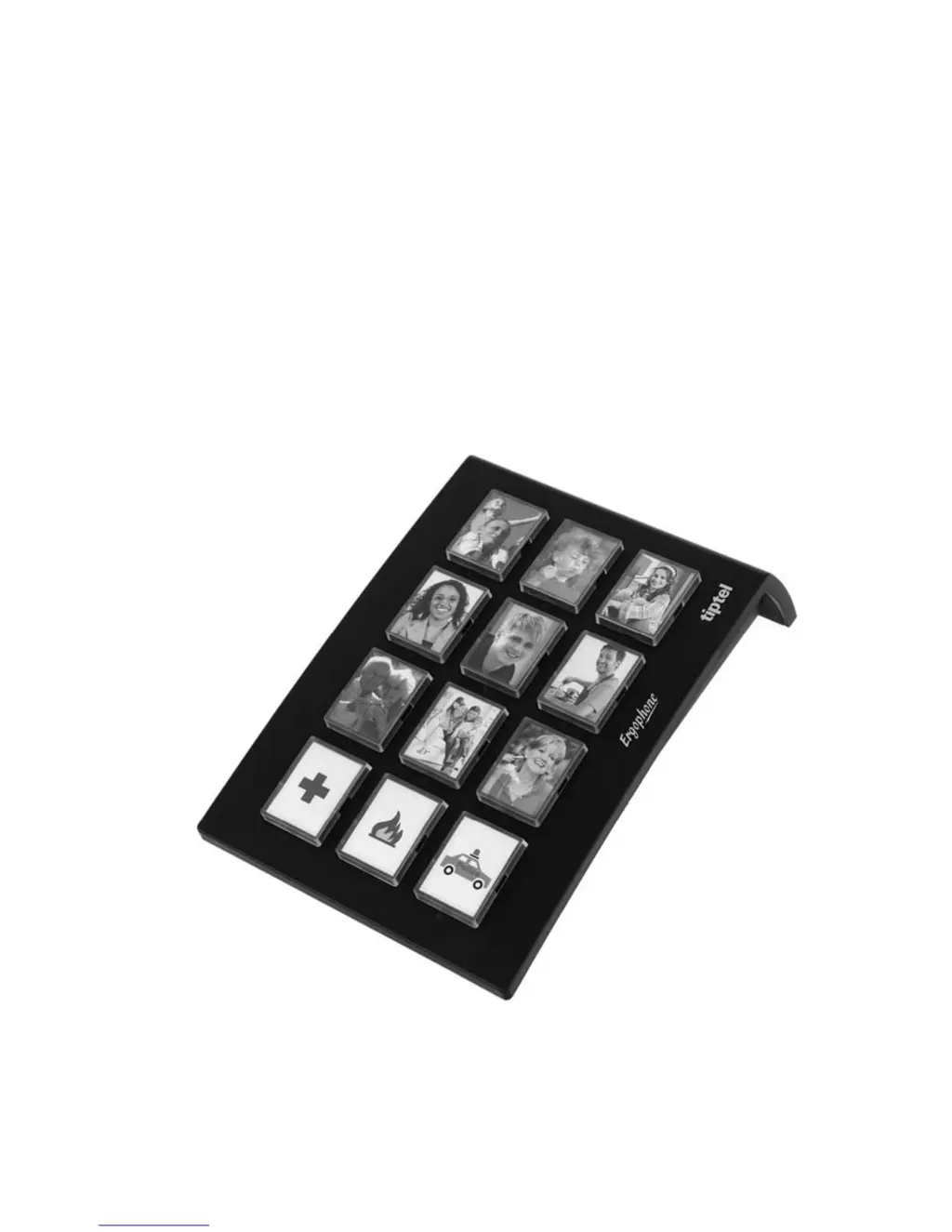
Ergonomic number dialler,
clear layout, easy to operate
Ergophone 12
tiptel

Questions and Answers

Summary

Operating Instructions

Safety Notices

Controls

Service

Scope of delivery

Lists the items included in the Ergophone 12 packaging.

Setting up

Guidance on placing the device on furniture to avoid potential damage from solvents.

Connecting

Steps for attaching the necessary telephone cables to the Ergophone 12.

Direct Dial Mode

Saving phone numbers

Instructions on storing up to twelve phone numbers for quick dial access using direct dial keys.

Making a call with direct dial keys

Procedure for dialling pre-saved numbers by pressing and holding the corresponding direct dial key.

Numeric Keypad Mode

Toggling to numeric keypad mode

How to switch the Ergophone 12 functionality between direct dial and numeric keypad input.

Making a call with numerical keys

Method for using the device as a standard telephone keypad to dial numbers.

Default Setting

Setting up the default setting

Process to reset the device to factory defaults, which deletes all saved phone numbers.

Appendix

Service

Information on product support and contacting local dealers for assistance with the Ergophone 12.

Guarantee

Details the warranty terms, duration, and conditions applicable within the European Community.

CE sign

Declaration of conformity confirming the device meets fundamental European requirements for telephone network access.

Ecological information

Information on the device's environmental impact, material composition, and disposal for recycling.

Troubleshooting

A guide to identifying and resolving common operational problems encountered with the Ergophone 12.

Technical specifications

Key technical data including dimensions, weight, operating voltage, and data retention capabilities of the Ergophone 12.

TIPTEL Ergophone 12 Specifications

General IconGeneral
TypeCorded Phone
Dialing TypeTone/Pulse
SpeakerphoneYes
Volume ControlYes
ColorBlack
Caller IDYes
RedialYes
Ringer tones10
Battery backupNo
AnalogueYes
DisplayAlphanumeric
Power sourceLine powered

Related product manuals