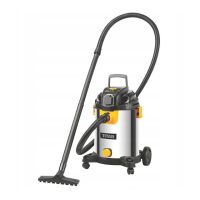
TTB671VAC by TITAN
Operation
22
EN
EN
Vacuuming
NOTE: Switch the product off and disconnect it from the power supply
if it stops suddenly during operation and does not produce any suction.
Refer to the instructions below about removing blockages and the
chapter “Troubleshooting”.
Using as dust extraction device
WARNING! Read the instruction manual of the power tool and
accessories before using the product under sync mode. Observe all
the instructions therein.
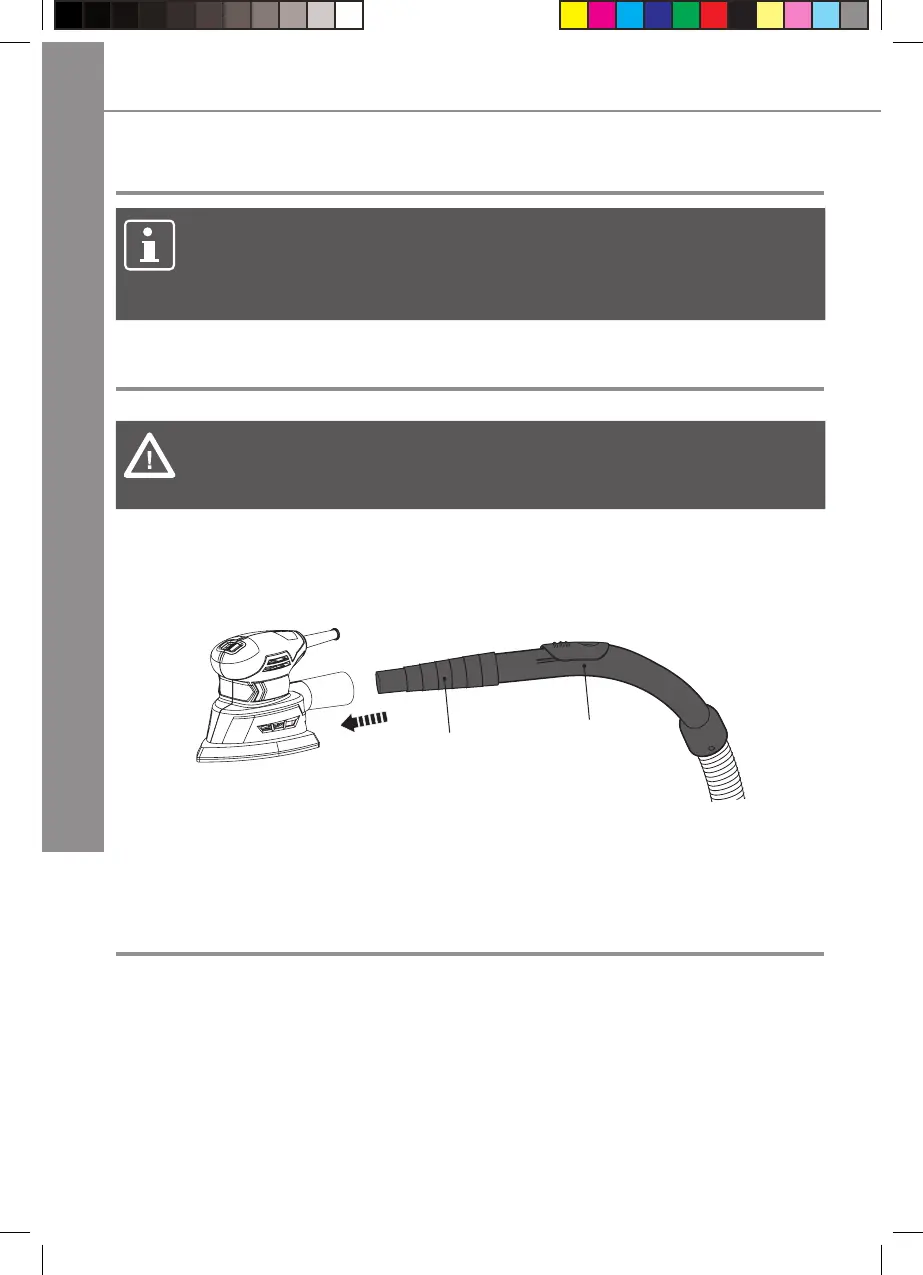
> Connect the power tool adaptor (23) onto the suction handle (13).
> Connect the power tool onto the adaptor (23). Use a suitable vacuum adaptor
for the power tool if necessary (Fig. 15).
13
23
Fig. 15
> Switch on the power tool and the product.
After use
> Switch the product off and disconnect it from the power supply.
> Switch off the attached power tool and disconnect it from the power tool
adaptor if using the product as a dust extraction device.
> Disconnect the respective attachment, suction tubes and suction hose if
necessary.
> Let the product cool down.
> Check, clean and store the product as described below.


 To Next Page