13English
4. Installaon
Connect the device to a free USB port on your computer.
An installaon is necessary to use the gaming mouse that you have purchased.
For this purpose, insert the driver CD into your drive. The automac playback
opens. Click on "Run autorun.exe" to access the installaon menu.
Installaon can be started by selecng the "Install" buon in the installaon menu.
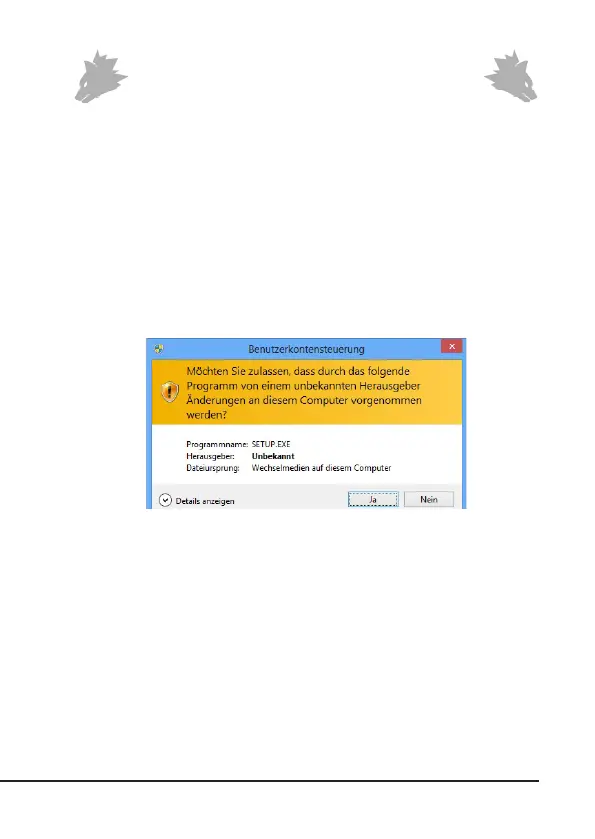
A conrmaon prompt is displayed that needs to be accepted with "Yes".
Now follow the instrucons of the installaon wizard to carry out the installaon
properly.
Once the process is completed, you can stop the installaon program by clicking on
"Finish". The soware is now fully installed and can be used immediately.
5. Soware sengs
You have the opon of carrying out many sengs in the conguraon soware of
the gaming mouse. Four congurable proles are available, which you can choose
from using the soware. Addional informaon about the seng opons are
given below, which are prole-independent and relate to a specic prole.



 To Next Page