14 English
5.1 General prole sengs
• Reseng everything: It is possible to reset the sengs of all the
proles back to the factory sengs using the "Reset" buon in
the "System seng" menu.
5.2 Conguring the proles
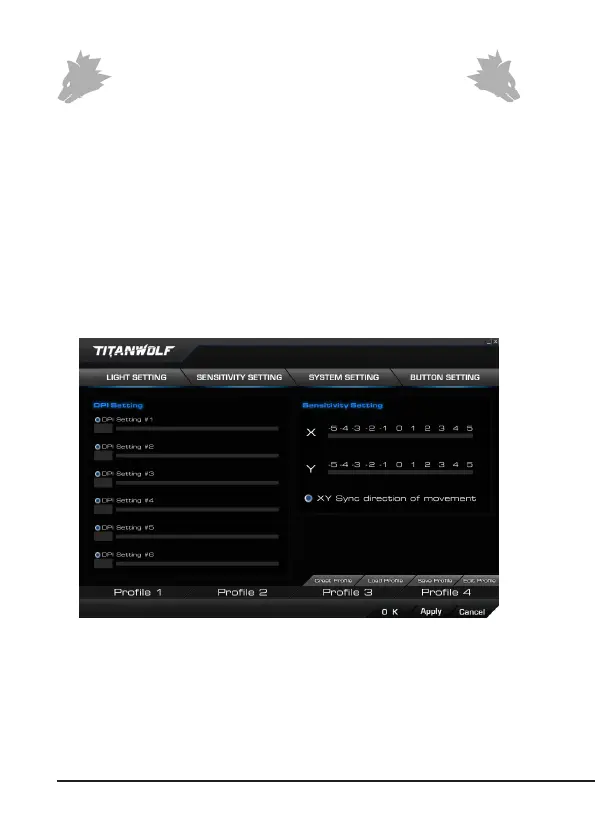
The opons, which are explained in detail below, can be individually congured
and saved for each of the proles. Select the prole which you want to change at
the boom of the window using the mouse. You can also set that a specic prole
should be loaded at program start. To do this, save the prole you want to use via
“Save”. Then click on “Create Prole”, enter the prole name exactly as you saved
it and select the program link. Finally, click on “Apply” to apply the sengs.
5.2.1 General
• Light seng: In this menu, you can adjust the light eects indi-
vidually. You can choose between connuous light and pulsang



 To Next Page