Pick Programs to Record
21
2
Tips for Entering Keywords
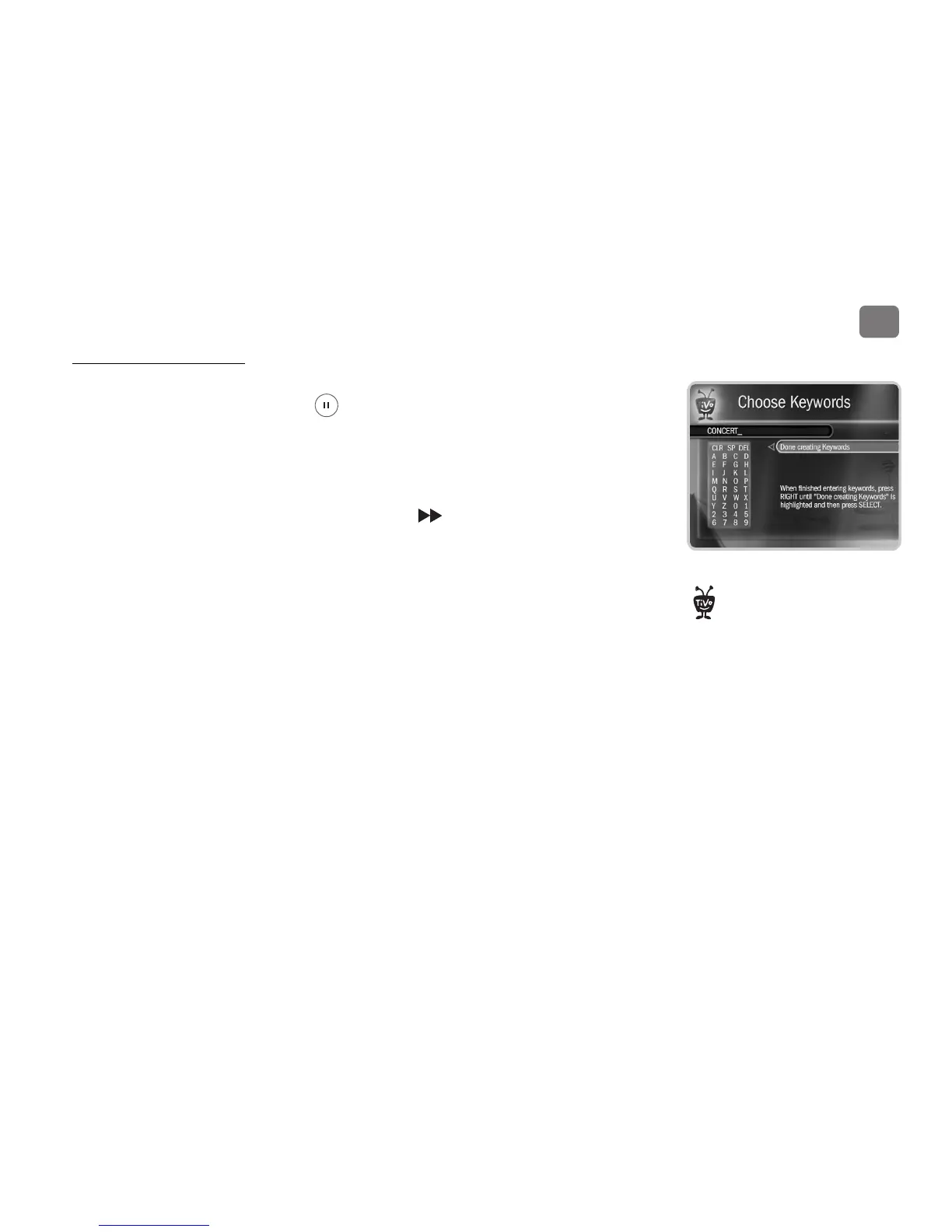
• Use quotation marks to specify an exact phrase in a Keyword or Title WishList search (to
enter quotation marks, press PAUSE . For example, the keyword PAUL SIMON might
turn up a documentary about Simon Bolivar with a director named Paul. Use “PAUL
SIMON” to be certain you find only programs that feature Paul Simon.
• If you include an exact phrase and additional keywords, place a space between the final
quotation mark and the beginning of the next word (for example, “GEENA DAVIS” FLY).
Enter a space by selecting SP or pressing FORWARD .
• If you enter more than one keyword, the search finds programs that match all of the
keywords.
• Replace hyphens ( - ), slashes ( / ) and periods ( . ) with spaces. For example, use the
keyword 20 20 to search for the title “20/20.” For an Actor WishList for Catherine Zeta-
Jones, use ZETA JONES, CATHERINE.
• Any other marks, such as apostrophes ( ’ ) and ampersands ( & ), are ignored. For example,
you would use the keyword phrase 6 OCLOCK NEWS to search for the title “6 O’Clock
News.” (Note that commas ( , ) are also ignored, except in an actor or director WishList
search, where they are essential.)
• For dollar signs ( $ ) substitute the letter S. For example, to find “$100,000 Pyramid,” use
S100000. (In Search by Title, skip the dollar signs to find these titles.)
If you like music performances, try a
keyword WishList search for
Concert. Choose the category Arts and the
Sub-Category Music.
®


 To Next Page