Settings
62
5
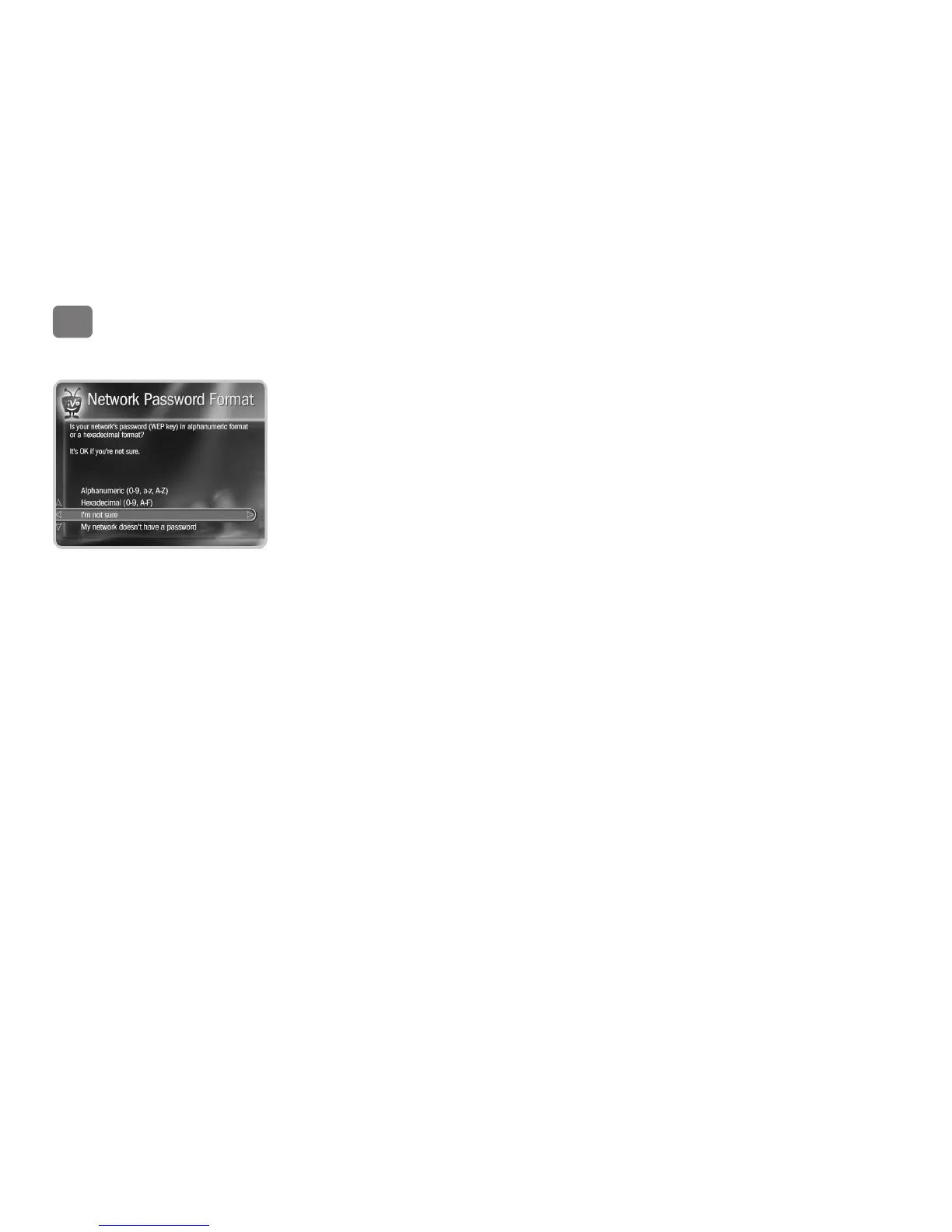
Network Password Format. Choose a format or select My Network Doesn’t Have a Password.
• Hexadecimal (preferred). Enter a hexadecimal password using the onscreen grid and the
arrow buttons on the remote. It doesn’t matter if a letter is uppercase or lowercase. Some
hexadecimal passwords contain only numbers. Select Done Entering Text when you are
finished.
• Alphanumeric. Enter an alphanumeric password using the onscreen grid and the arrow
buttons on your remote. You must use capital and lowercase letters appropriately. For
example, if your password is “MyPassword”, entering “mypassword” will not work. Use
THUMBS UP and THUMBS DOWN to change to uppercase or lowercase. Select Done
Entering Text when you are finished.


 To Next Page