Settings
68
5
Remote & Device Settings
From the TiVo Central screen, select Messages & Settings, then Settings, then Remote &
Device Settings.
Remote Control
Programmable Buttons
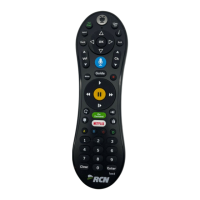
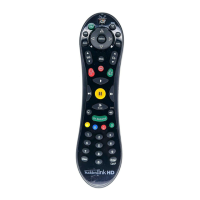
Some buttons on the TiVo remote are programmable. To program the buttons:
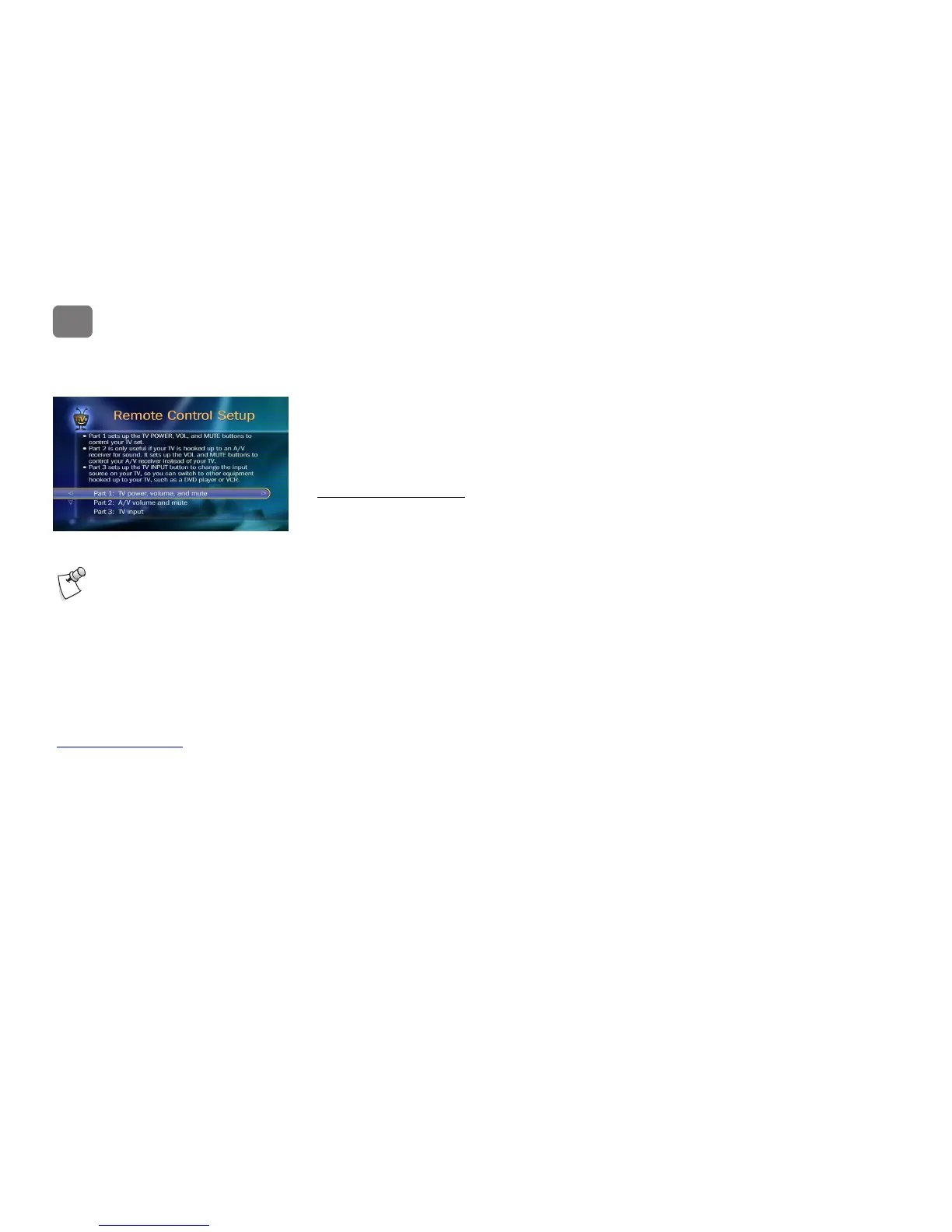
1. Follow the instructions on the Remote Control Setup screen. You have options to control
power, volume and mute on your TV, volume and mute on your A/V receiver (stereo
system), and input selection on your TV.
2. Press and hold the buttons indicated on the screen for about 5 seconds—until the red light at
the end of the remote lights up and stays on.
3. Try entering the first code listed on the screen. The red light on the remote flashes to indicate
it received the code. Test the button. If it doesn’t work, repeat the steps using the next code
on the list.
Resetting the Programmable Buttons
You can reset all the programmable buttons (TV POWER, VOLUME, MUTE, INPUT, and the
media device SWITCH) at once. All the remote's buttons will return to the unprogrammed state
of a new remote. To reset the buttons:
1. Point the remote away from your media device.
2. Press and hold the TV POWER and TiVo buttons simultaneously until the red light at the
end of the remote lights, and remains lit when you release the buttons.
Due to the great variety of TVs and
A/V receivers available, some makes
and models may not be compatible with
your TiVo
®
remote control.
If you’re unable to program the TiVo remote
to work with your equipment, go to
www.tivo.com.au/support for help.


 To Next Page