Time To First Fix
Cold status 45s
Warm status 35s
Hot status 1s
Car charger
12—24V input
5V-1A output
Wall charger
110-220V input
5V-1A output
Battery Chargeable changeable 3.7V 1000mAh Li-ion battery
Stand by 400hours
Storage Temp. -40°C to +85°C
Operation Temp. -20°C to +55°C
Humidity 5%--95% non-condensing
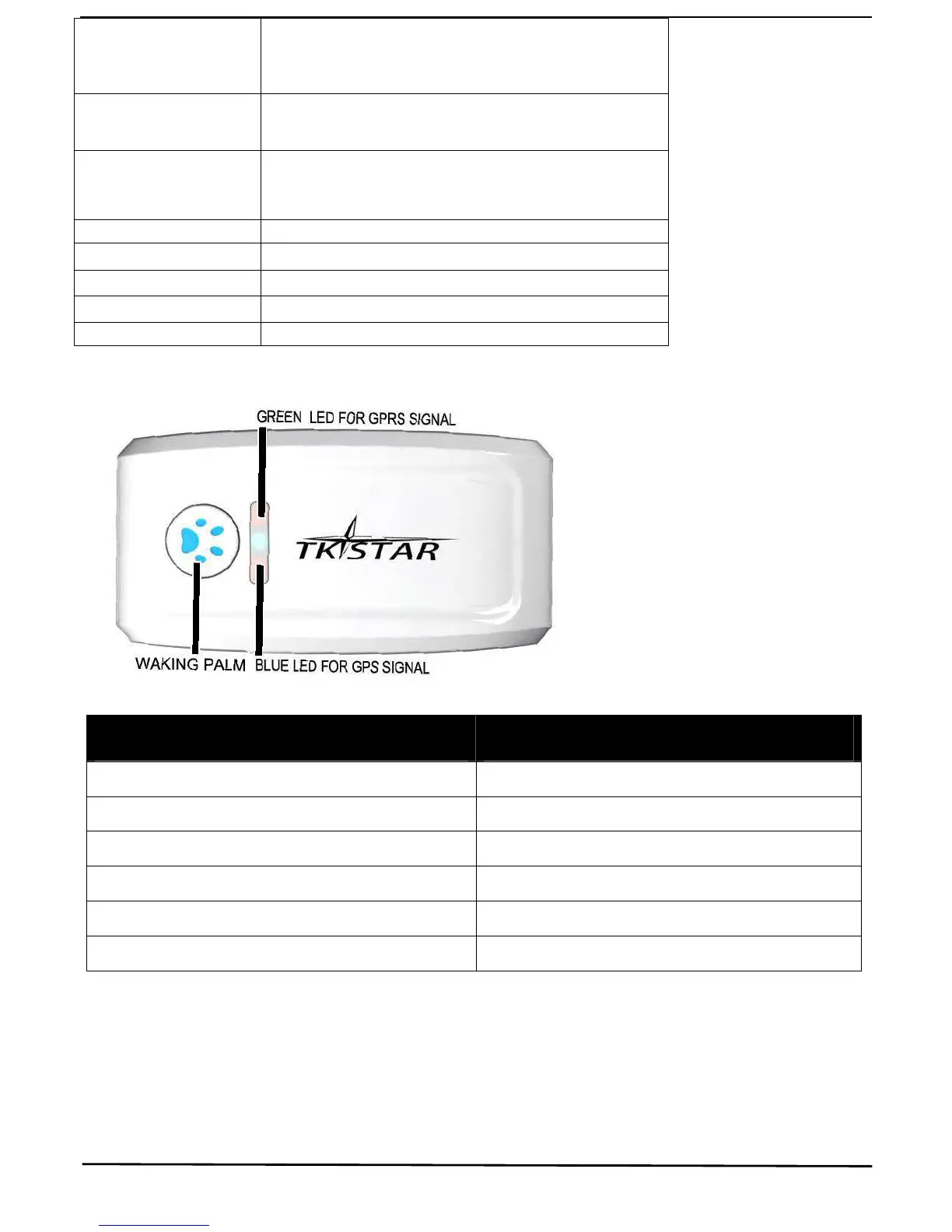
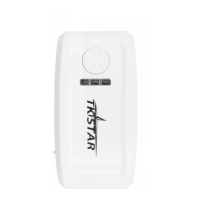
LED INDICATOR STATUS MEANING
GREEN-Solid No GPRS signal.
GREEN-Flashing GPRS communication established.
Center-RED-Not lit Fully charged.
Center-RED-Solid red Charging.
BLUE-Solid Searching for GPS signal.
BLUE-Flashing GPS location successful.
Note: SMS tracking works in GREEN-Solid mode and GREEN-Flashing mode, online tracking only works in GREEN-Flashing mode, turn on
GREEN-Flashing mode by sending command “gprs123456” and set APN for the tracker
2. INSTALLATION
2. 1 SIM-CARD INSTALLATION


 To Next Page