APN information is from sim card carrier ,every sim card carrier has different APN information, there are
two ways to find APN out: check sim card carrier on internet or put sim card into own cell phone to find
check APN
3.2.2 COMMAND INSTRUCTION TO SET THE ACCES POINT NAME (APN)
3.2.3 START ONLINE TRACKING
Platform : http://2.tkstargps.net/
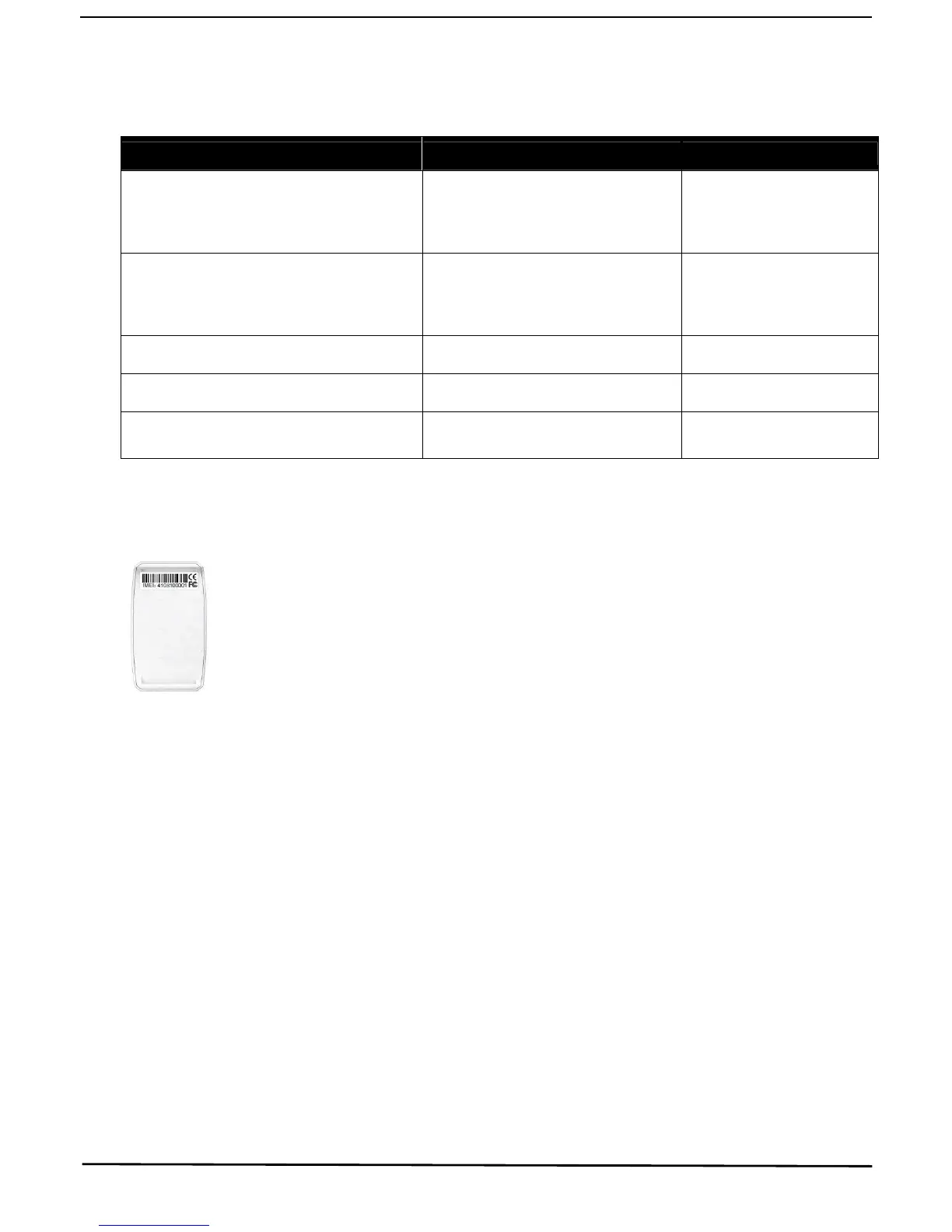
IMEI No. : on the back side of cover
Password: 123456
3.2.4 APPLICATIONS FOR ANDROID/iOS
Search “TKSTAR“ in the Apple App Store/Google Play
Store or Scan the QR Code to install the applications on
your cell phone.
INSTRUCTION COMMAND REPLY
Turn on GPRS GPRS123456 GPRS OK
Set new APN
( any existing will be replaced)
apn123456 apn content apn ok
Set APN username apnuser123456 content apnuser ok
Set APN password apnpasswd123456 content apnpasswd ok
Set data upload interval ( default:120


 To Next Page