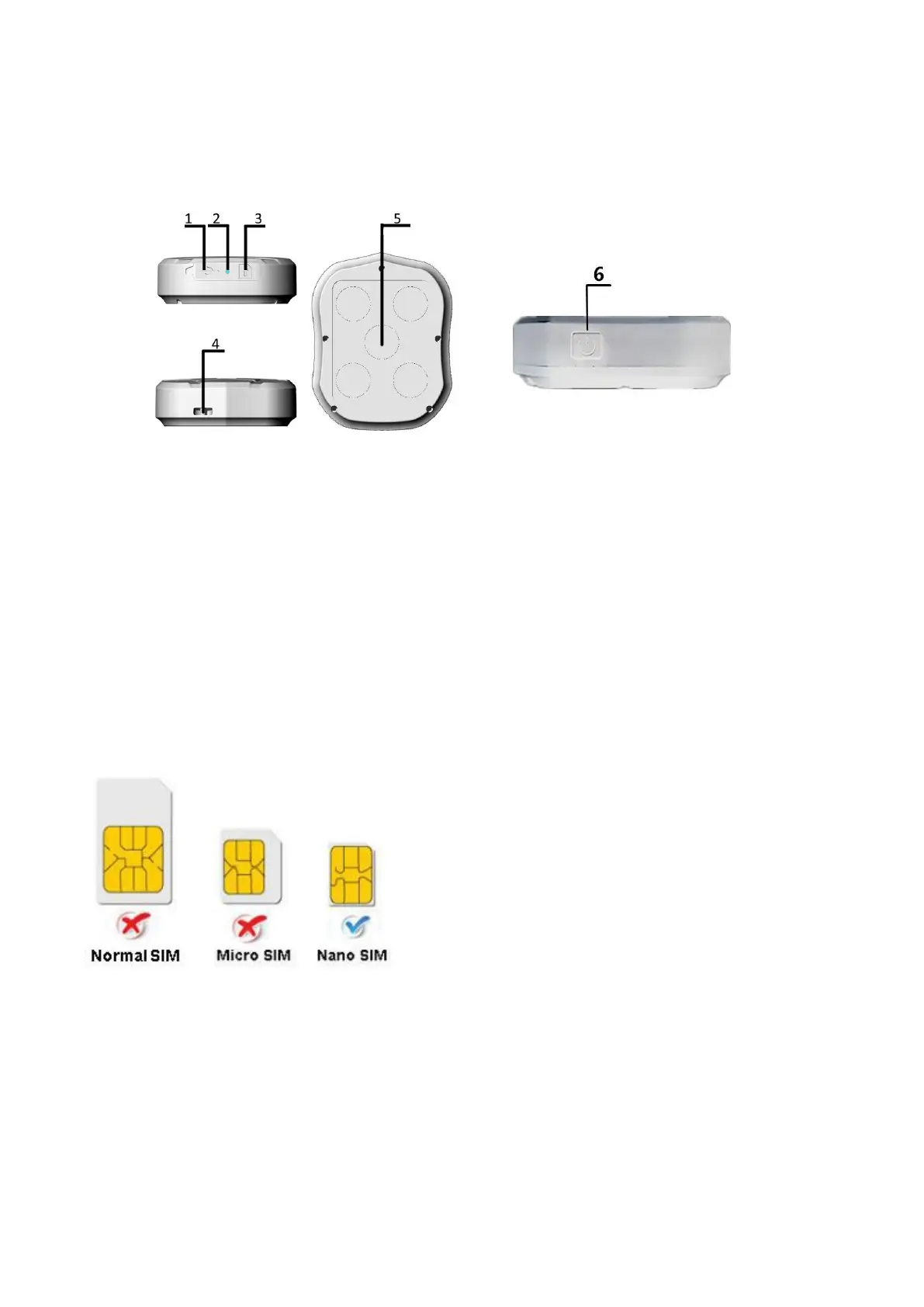
2.Hardware Description
1. USB port 2. Indicator light 3. SIM card slot
4. Lanyard hole 5. Strong Magnet 6. ON/OFF Button
Note: SIM CARD INSTALLATION GUIDE:
Prepare a SIM card (Nano SIM) which supports GSM/GPRS/WCDMA/LTE network
3.TURN ON THE DEVICE
Open the rubber cover, insert the SIM card(chip up) to the slot.
Press the ON/OFF Button for 5S device will be Turn On ,and then LED light will be On.(if press the
ON/OFF Button for 8S again, device will be Turn OFF.)
The device gets GPS location when there is GPS signal and gets LBS location when there is no GPS
signal.



 To Next Page