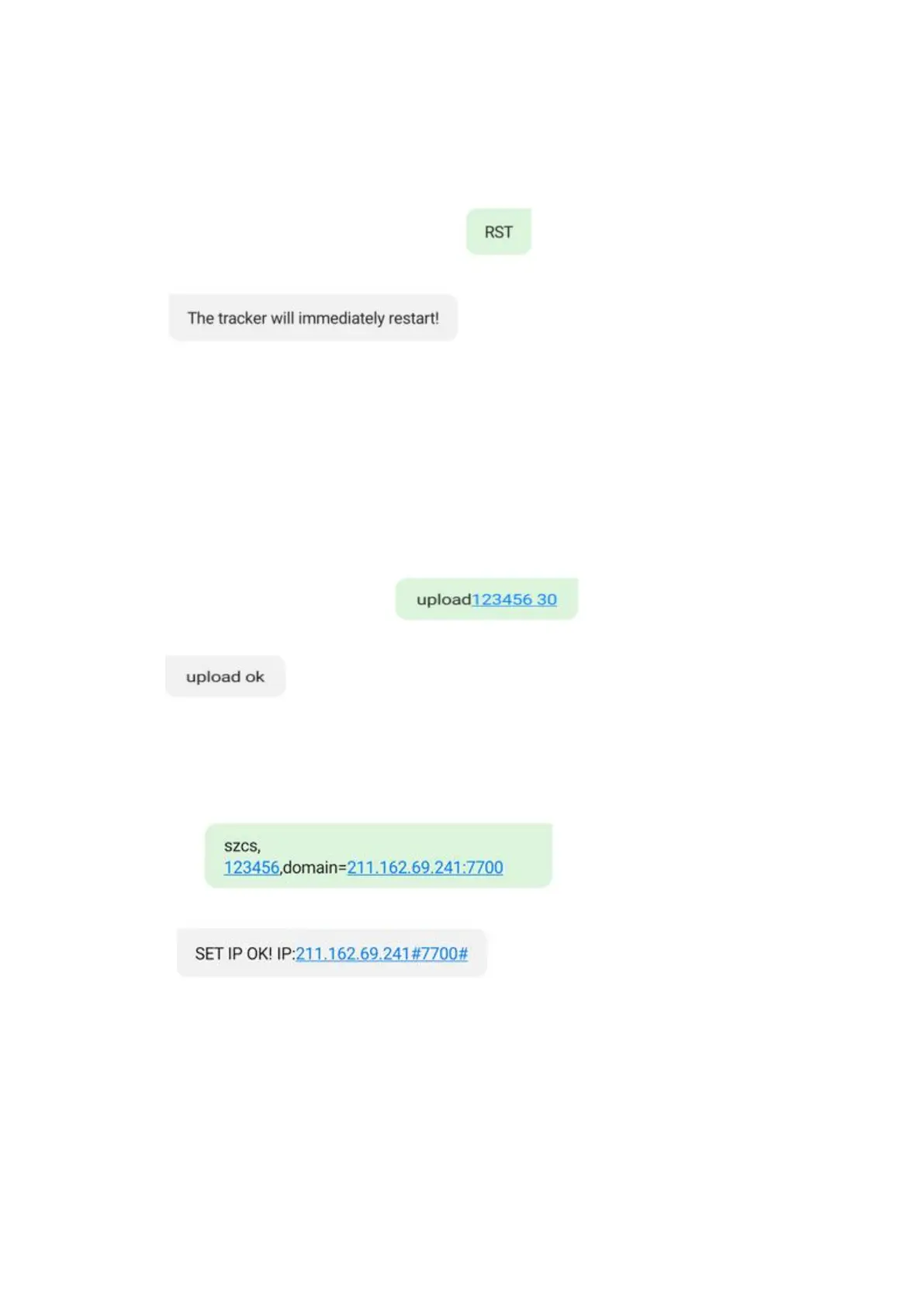
4.8 Reboot Device
Command:RST
Reply:The tracker will immediately restart !
E.g:RST
4.9
Upload Interval Setting. Setting the rate of reporting the GPS location information to server.
Command: Upload123456 30 ( The Value Range 10---300S)
Reply:Upload Ok
E.g:Upload123456 30
4.9 IP and Port setting.
Command : szcs,123456,domain=211.162.69.241:7700
Reply: SET IP OK! IP:211.162.69.241#7700#
E.g: szcs,123456,domain=211.162.69.241:7700



 To Next Page