RN070405A_TM6Manual_01E.doc
10
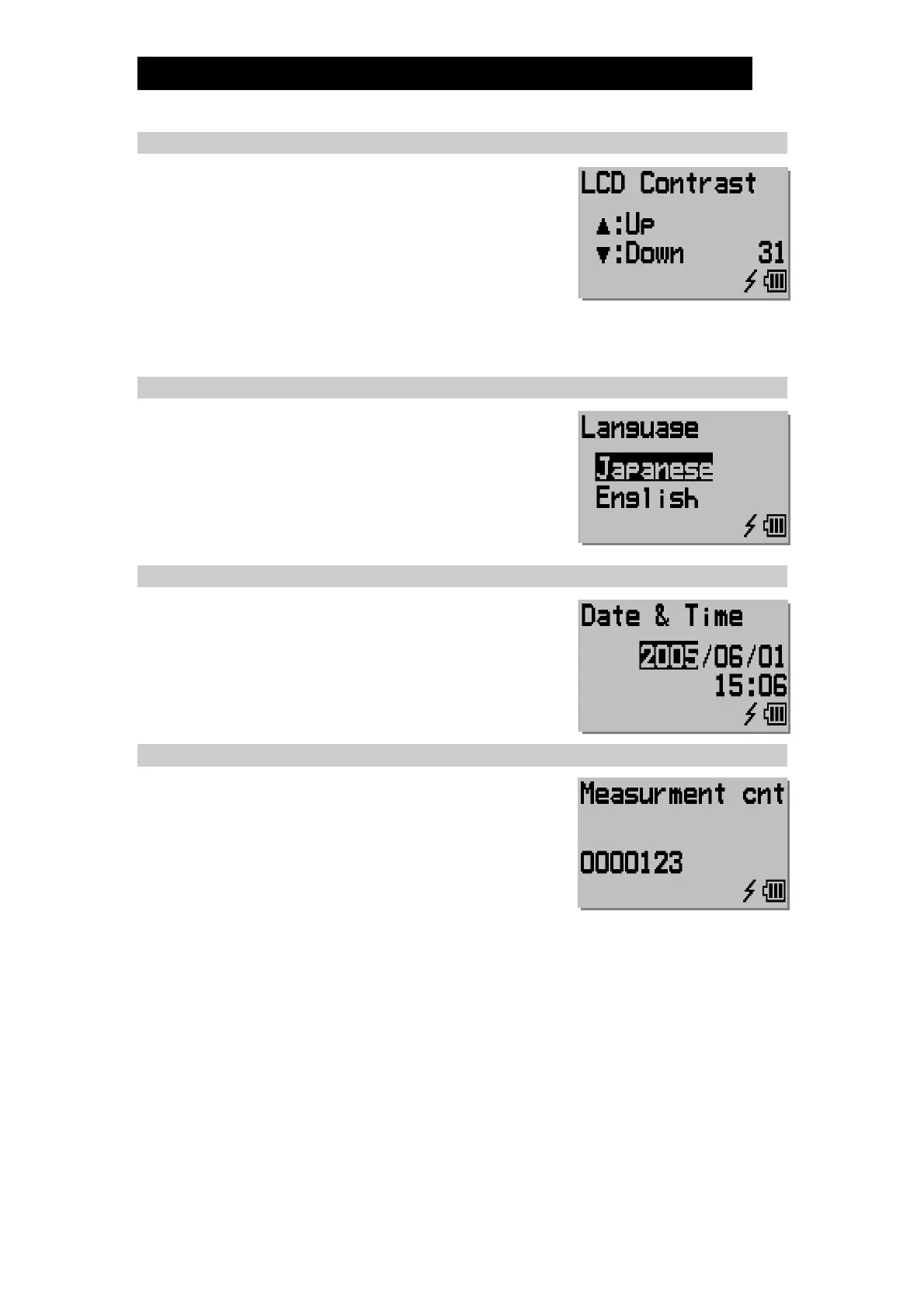
6.5 LCD Contrast
Increase or decrease the LCD display contrast level
(between 0 and 31).
a) Pressing [] / [] once increases/decreases
the contrast level by 1.
b) Holding [] / [] for more than 1 second
increases/ decreases the contrast level more
rapidly.
c) Once contrast is as desired, press [ENT] once to proceed to the next setting.
6.6 Language
Select the language desired for displaying text.
6.7 Date & Time
Adjust to the current date and time.
a) Pressing [] / [] once increases/decreases
the year, month, date, hour and minute.
b) Pressing [ENT] once to proceed to the next
setting.
6.8 Measurement Count
This information is used for the maintenance timing.


 To Next Page