RN070405A_TM6Manual_01E.doc
9
6. Settings
6.1 Access Setting Selection
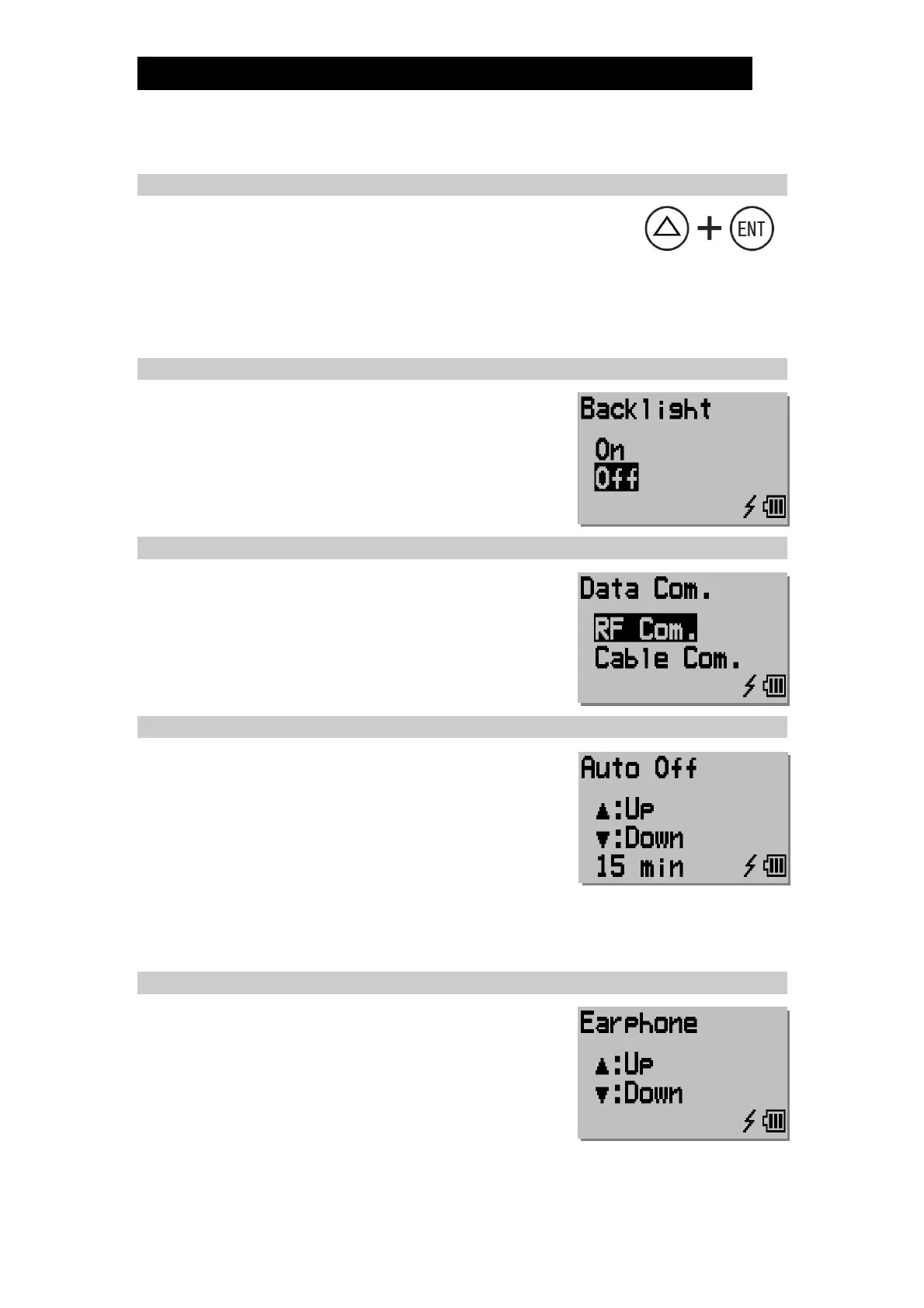
1) With the power on, simultaneously press []+[ENT].
2) Perform the following actions for each setting:
a) Press [] or [] to highlight the desired mode or setting.
b) Press [ENT] to select highlighted mode and proceed to next setting option.
c) Press and hold [ENT] to exit settings and return to normal operation.
6.1 Backlight
Turn the backlight on or off.
Note: The operating the PT1 with the backlight on
consumes more power, shortening the lifespan of
the batteries.
6.2 Data Com.
Select how to perform the communication with PC. To
communicate with TrapManager-Pro, you must select
“RF Com.”.
6.3 Auto Off
This feature automatically turns the TM6 power OFF,
after the prescribed length of time has elapsed in which
the TM6 has not been operated.
a) Press the [] and [] buttons to raise or lower
the power OFF time delay from 0 to 15 minutes.
b) If the time delay is set to 0 minutes, the
automatic power OFF feature is disabled.
c) Once volume is as desired, press [ENT] once to proceed to the next setting.
6.4 Earphone Volume
Increase or decrease the earphone volume.
a) Pressing once increases/decreases the volume
by 1 step.
b) Holding [] / [] for more than 1 second
increases/ decreases the volume more rapidly.
c) Once volume is as desired, press [ENT] once to
proceed to the next setting.


 To Next Page