Chapter 5 BIOS
24 AI5TV Motherboard User’s Manual
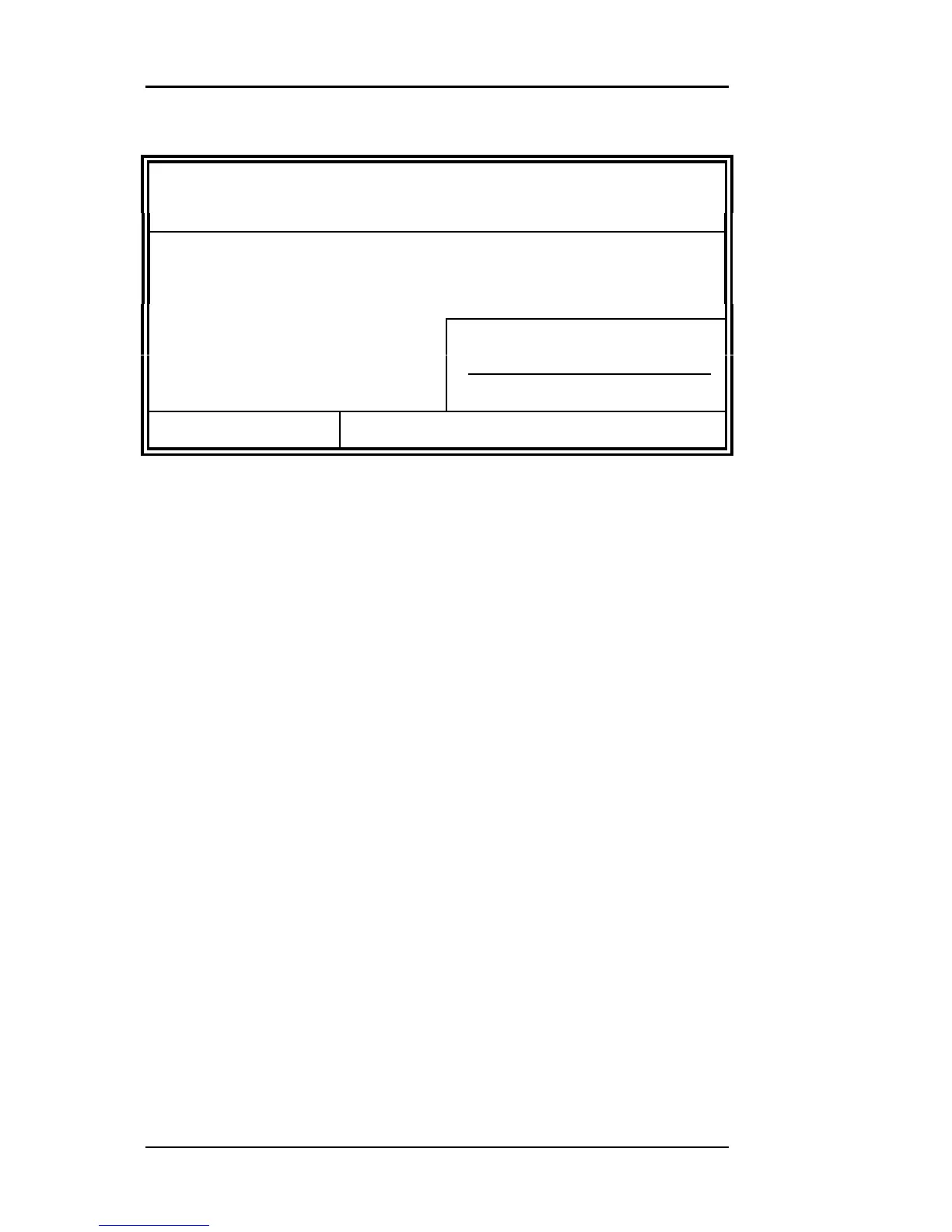
ROM PCI/ISA BIOS
STANDARD CMOS SETUP
AWARD SOFTWARE, INC.
Date (mm:dd:yy) : Mon, Aug 19 1996
Time (hh:mm:ss) : 00 : 00 : 00
HARD DISKS TYPE SIZE CYLS HEAD PRECOMP LANDZ SECTOR MODE
Primary Master Auto 0 0 0 0 0 0 Auto
Primary Slave None
0 0 0 0 0 0
-----
Secondary Master None
0 0 0 0 0 0
-----
Secondary Slave None
0 0 0 0 0 0
-----
Drive A : 1.44M, 3.5in Base Memory : 640K
Drive B : None Extended Memory : 15360K
Floppy 3 Mode Support : Disabled Other Memory : 384K
Video : EGA / VGA
Halt On : All Errors Total Memory : 16384K
ESC : Quit á â à ß : Select Item PU / PD / + / - : Modify
F1 : Help (Shift) F2 : Change Color
At the bottom of the menu are the control keys for use on this menu. If
you need any help in each item field, you can press the <F1> key. It
will display the information to help you. The memory display at the
lower right-hand side of the menu is read-only. It will adjust
automatically according to the memory changed. The following
describes each item of this menu.
Date
The date format is:
Day : Sun to Sat
Month : 1 to 12
Date : 1 to 31
Year : 1900 to 2099
To set the date, highlight the “Date” field and use the PageUp/
PageDown or +/- keys to set the current time.
Time
The time format is:
Hour : 00 to 23
Minute : 00 to 59
Second : 00 to 59
To set the time, highlight the “Time” field and use the <PgUp>/
<PgDn> or +/- keys to set the current time.



 To Next Page