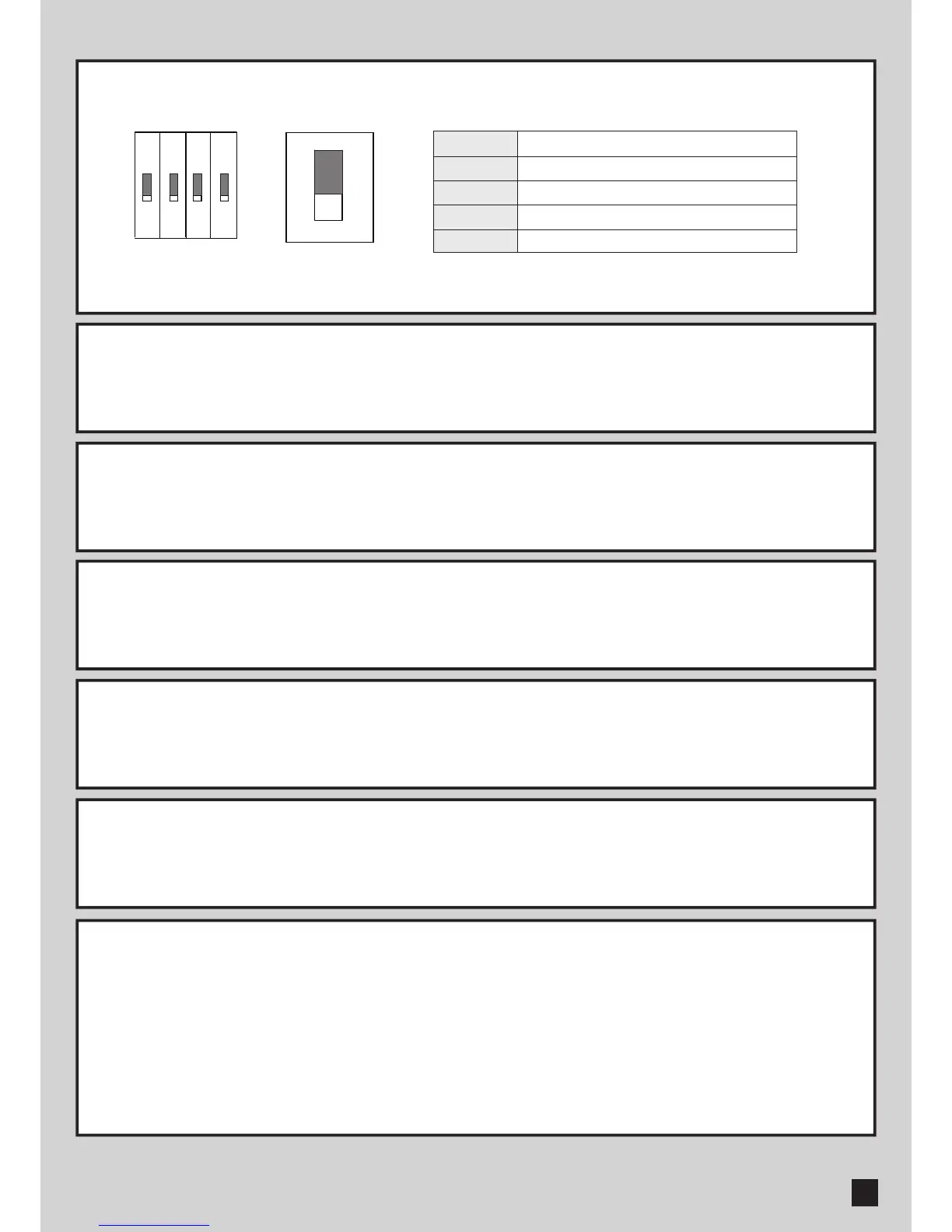
3.1 SW1 Dip Switch Setting – Power Supply
SW1
SW2-1
SW2-2
SW2-3
SW2-4
3). SETTING OF A CONTROL BOARD
ON: Power Supply ON, the control board can be operated.
OFF: Power Supply OFF.
3.2 SW2-1 Photocells Setting
ON: Photocells function ON, and photocells can be triggered.
OFF: Photocells function OFF.
3.3 SW2-2 Flashing Light Adjustment
ON: The flashing light blinks for 3 seconds before the gate moves, and blinks simultaneously during the movement.
OFF: The flashing light blinks and the gate moves simultaneously.
3.4 SW2-3 Gate Auto-Closing Adjustment
ON: When gate opened, gate closes after 20 seconds.
OFF: When gate opened, gate will not close automatically.
3.5 SW2-4 Direction of closing
ON: Outer metal gear goes clockwisely as closing.
OFF: Outer metal gear goes counter-clockwisely as closing.
3.6 VR Adjustable VR Knobs
Power Supply
Photocells Setting
Flashing Light Adjustment
Gate Auto-Closing Adjustment
Direction of closing
VR1: Over-current adjustment. Turn clockwisely to increase the limit of over-current.
VR2: Torque adjustment. Turn clockwisely to increase the torque.
Step1. Turn VR1, VR2 clockwisely to maximum. The torque is at maximum at this step.
Step2. Torque adjustment: During gate running, turn VR2 counter-clockwisely till the gate can be stopped easily by
force but the motor is still running.
Step3. Over-current adjustment: During running, turn VR1 counter-clockwisely till a proper point when the gate is
stopped and the motor stops as well.
J1
4
ON
3
SW2 SW1
2 1
HUSKY SERIES SLIDING GATE OPENER USER MANUAL
7



 To Next Page