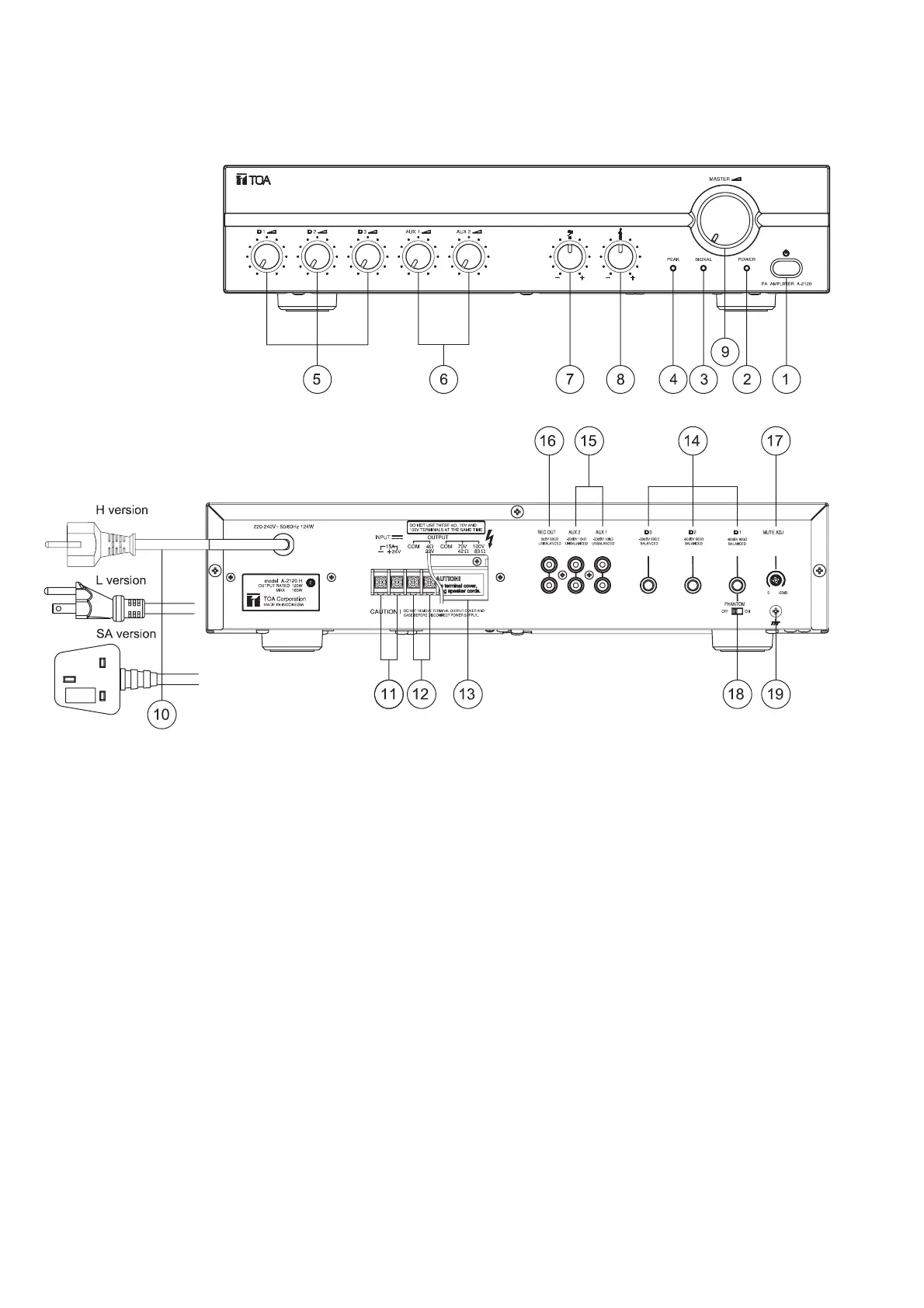
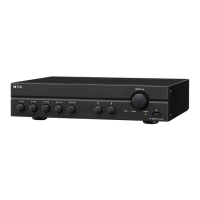
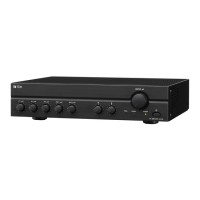
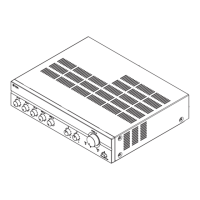
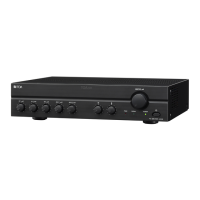
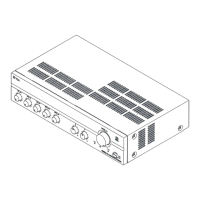
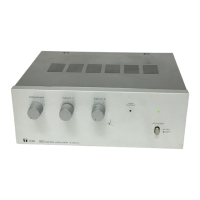
5.1. Front
5.2. Rear
1. Power Switch
Press to turn ON the power.
Press again to turn the power STANDBY.
Disconnect the AC mains plug or DC
Terminal to shut the power OFF completely.
2. Power Indicator
Lights green when power is switched ON.
3. Signal Indicator
Lights green when power is switched ON,
and indicates an output signal.
4. Microphone Volume Control
Adjusts the microphone level.
5. AUX Volume Control
Adjusts the AUX level.
5. NOMENCLATURES AND FUNCTIONS
6. Bass Control
Adjusts bass response. Rotate
counterclockwise to reduce it. The maximum
position provides flat characteristics.
7. Treble Control
Adjusts treble response. Rotate
counterclockwise to reduce it. The maximum
position provides flat characteristics.
8. AC Power Cord
Connects to an AC power source.
9. DC Terminal
Connects to a DC power supply of 24V.
6



 To Next Page