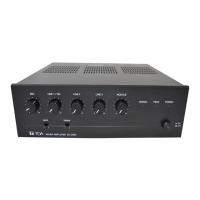
12. VOLUME SETTING
Output levels are adjustable with the Master volume control. For music play or announcement, adjust the
volume control so that the signal indicator lights intermittently. Note that the sound quality is downgraded
when the peak indicator remains lit.
13. VOLUME CONTROL COVER
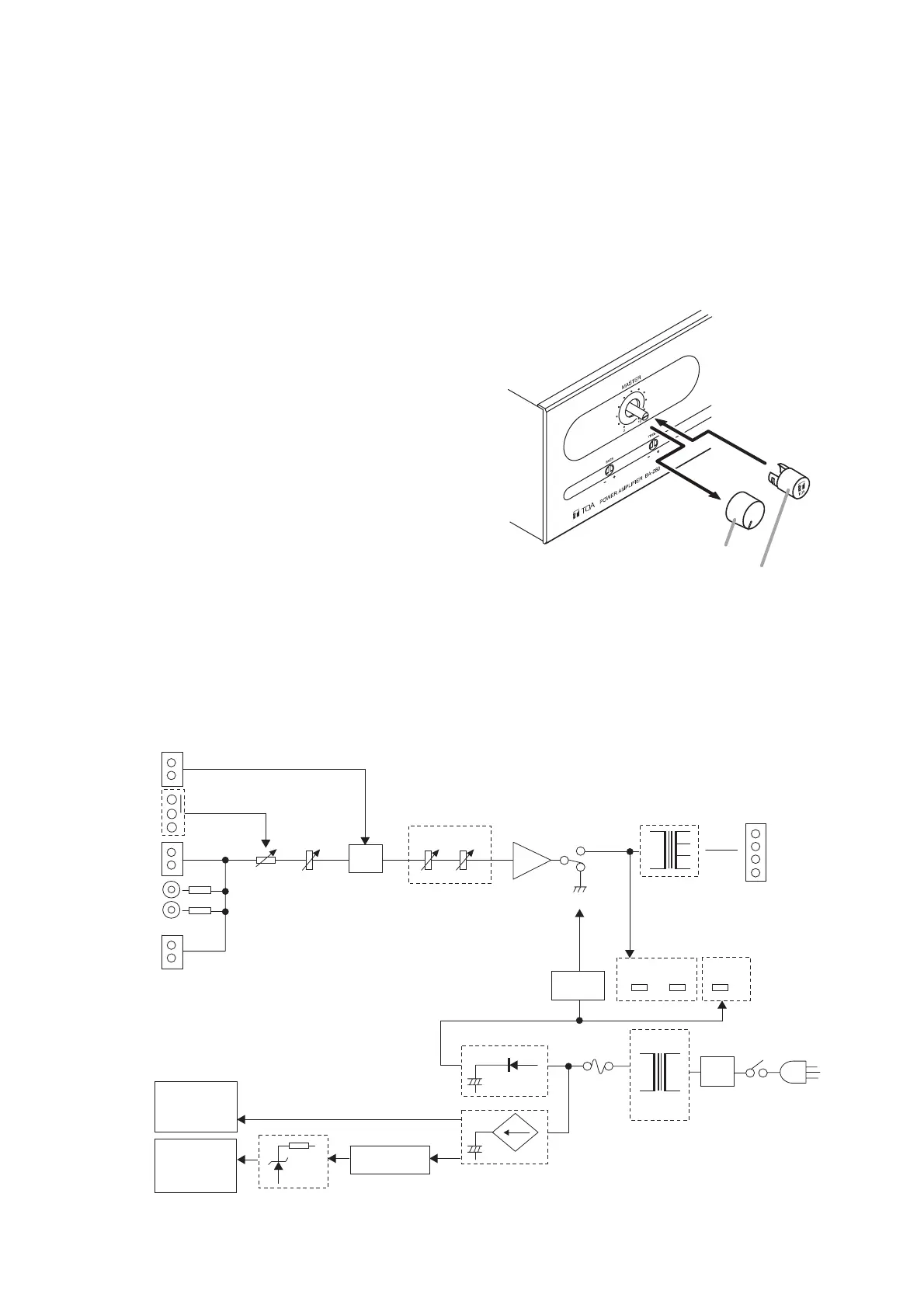
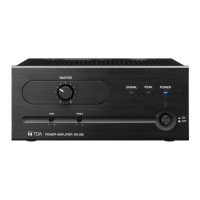
To prevent the accidental change of the Master volume
control setting on the front panel, it is recommended to
replace its control knob with the supplied YA-920 Volume
Control Cover. Follow the procedure below for its
replacement.
Step 1. Remove the control knob.
Step 2. Adjust the Master volume control (without knob)
to an appropriate level.
Step 3. Attach the YA-920 onto the control.
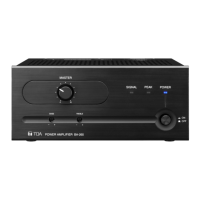
14. BLOCK DIAGRAM


 To Next Page