EasyManua.ls Logo

Toa IP-A1PG - User Manual

Toa IP-A1PG
20 pages
Print Icon
To Next Page IconTo Next Page
Loading...
Version: 1.0.1 ENG
Date: 10-05-2023
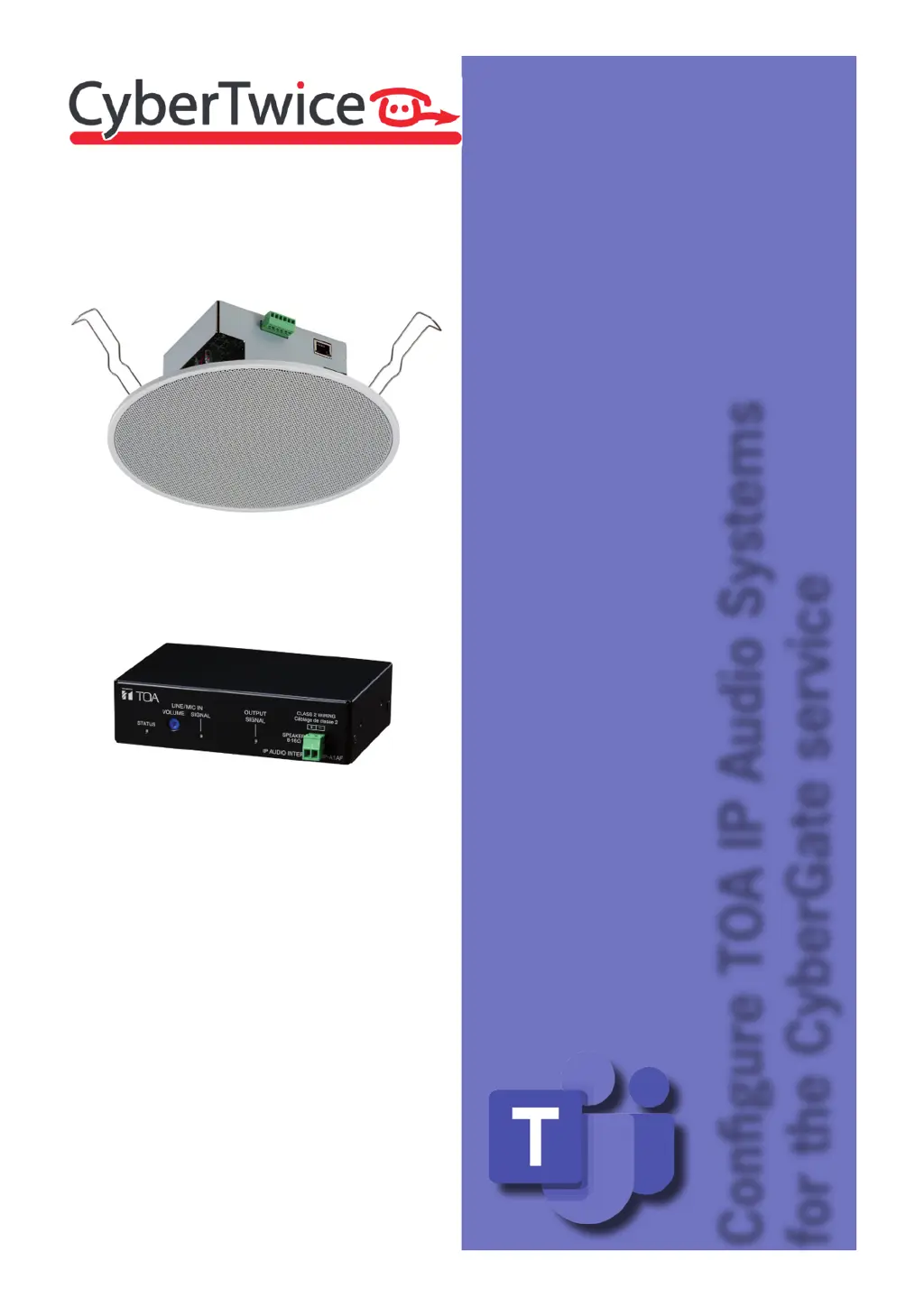
Congure TOA IP Audio Systems
for the CyberGate service
TechNote:
TOA IP Audio
Systems
and CyberGate

Questions and Answers

  • J
    Jacqueline BartlettAug 19, 2025
    How to adjust the SIP phone volume on Toa IP-A1PG?
    • S
      Susan VelazquezAug 20, 2025
      If sound output is too quiet, adjust the Input Volume (SIP) setting on the Audio Settings screen. If the sound is too loud and distorted, reduce the volume of the SIP phone or device.
  • J
    Julie ParkerAug 21, 2025
    How to fix low microphone volume in VMS Broadcasting with Toa Speakers?
    • M
      Michael MillerAug 22, 2025
      If the microphone volume is too quiet, adjust the Input Volume (VMS Broadcasting) on the Audio Settings screen. If the volume is too loud and breaking up, reduce the volume of the source microphone.
  • R
    Robert KrauseAug 25, 2025
    How to adjust the local broadcasting volume on Toa Speakers?
    • M
      Michelle ScottAug 25, 2025
      Check the following: * Is the equipment connected to the LINE/MIC IN terminal set to the correct output volume? * Is the gain setting for the device’s LINE/MIC IN terminal correct (Check the DIP switch.) * Is the LINE/MIC IN volume control set to the correct volume? * Adjust the Input Volume (Local Broadcasting) on the Audio Settings screen.
  • R
    Raymond McneilAug 26, 2025
    How to adjust multicast channel volume on Toa Speakers?
    • E
      Elizabeth BrownAug 26, 2025
      By adjusting the Input Volume (Multicast 1 – 20) on the Audio Settings screen, you can set the appropriate volume for each multicast channel.
  • C
    Courtney BoydAug 27, 2025
    How to supply power to Toa IP-A1PG Speakers?
    • S
      smithtimothyAug 28, 2025
      Connect the device to a PoE switching hub to supply power.
  • S
    Shane VasquezAug 29, 2025
    What to do if connected equipment exceeds PoE switching hub's maximum power supply capacity for Toa IP-A1PG Speakers?
    • L
      Leslie McgeeAug 29, 2025
      Replace it with a PoE hub that provides ample power supply capacity.
  • T
    Tracy RichardsonAug 31, 2025
    What to do if the webpage is not displayed correctly for Toa Speakers?
    • C
      Cheryl GarzaAug 31, 2025
      Please access using Microsoft Edge or Google Chrome.
  • K
    Kristen HarperSep 2, 2025
    How to troubleshoot sound file volume issues when using the PLAY button on the Pattern Registration screen for Toa IP-A1PG?
    • C
      christophernguyenSep 2, 2025
      Check that the sound source itself is not cracked, that the “Input Volume” set in the pattern is not too loud, and that the “Master Volume” is not too loud.
  • D
    Diamond JohnstonSep 5, 2025
    How to check if the status indicator switches to broadcasting status on Toa IP-A1PG Speakers?
    • J
      Julie KnightSep 5, 2025
      Check the operating status on the webpage Status screen.
  • A
    Antonio PatrickSep 6, 2025
    Why is the SIP Registration Status not set to 'Registered' on Toa IP-A1PG Speakers?
    • C
      christina28Sep 7, 2025
      Check the following settings on the SIP Settings screen: * Is SIP Account Active turned ON? * Is the SIP Server Address/Port setting correct? * Are the User ID, Password, and Authentication ID settings correct?

Toa IP-A1PG Specifications

General IconGeneral
Total Harmonic DistortionLess than 5%
Operating Temperature-10°C to +50°C
Power Output/Handling10W
Power SourcePoE (Power over Ethernet)
S/N RatioMore than 60 dB
FinishABS resin
MaterialABS resin

Related product manuals