EasyManua.ls Logo

Toa EV-700 - User Manual

Toa EV-700
106 pages
Print Icon
To Next Page IconTo Next Page
Loading...
INSTRUCTION MANUAL
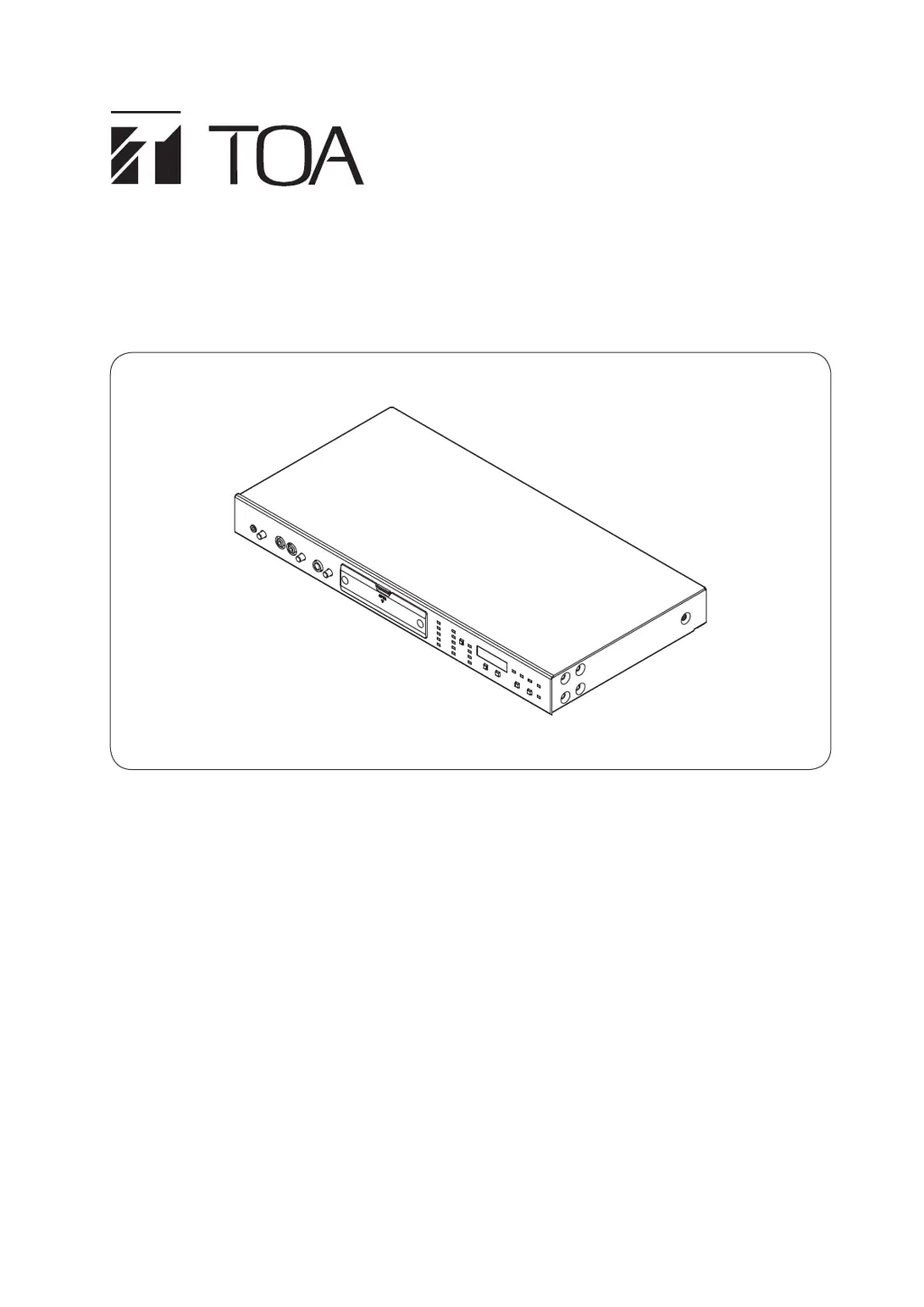
DIGITAL ANNOUNCER EV-700
Thank you for purchasing TOA's Digital Announcer.
Please carefully follow the instructions in this manual to ensure long, trouble-free use of your equipment.

Table of Contents

Questions and Answers

  • S
    Seth MartinAug 18, 2025
    Why is there no sound output from my Toa Speakers even when playback is started?
    • J
      jamie64Aug 19, 2025
      If there's no sound coming from your Toa Speakers during playback, several factors could be at play. First, ensure that the line output terminals are correctly connected. Second, check that the overall sound volume or the program sound volume isn't set too low and adjust it accordingly. Also, verify the program settings' output destinations. Lastly, confirm that normal broadcast isn't set to OFF in the Broadcast priority level setting.
  • A
    Amy RichardsAug 20, 2025
    What to do if Toa Speakers cannot play?
    • S
      Sandra Johnson DVMAug 21, 2025
      If your Toa Speakers aren't playing, there could be several reasons. Check if the memory card is securely inserted into Memory card Slot A. Ensure the unit isn't in Maintenance mode by quitting the setting on the EV-700 Setting software or turning off all DIP switch positions used for Maintenance. If an "Errxx" error code appears on the Status display, refer to the Error list. Confirm you're using a usable memory card. Verify that the line output terminals are correctly connected. Finally, adjust the whole sound volume and program sound volume to an appropriate level.
  • J
    josephpageAug 23, 2025
    Why Toa EV-700 Speakers cannot make external input broadcasts?
    • S
      Stephen JacksonAug 23, 2025
      If you cannot make external input broadcasts with your Toa Speakers, it could be due to a higher-priority broadcast currently in progress. Microphone, Line input, and Normal broadcasts take precedence. Also, make sure the microphone is correctly connected to the Microphone input jack, or the external audio player to the Line input terminal. Finally, check and adjust the sound level of the external audio player to ensure it's at an appropriate level.
  • T
    Tammy WeaverAug 26, 2025
    How to fix Toa EV-700 when volume level is too small or no sound is heard even if recorded sound playback is started?
    • A
      Antonio CruzAug 26, 2025
      If the volume level is too low or there's no sound during recorded sound playback on your Toa Speakers, first ensure the microphone is correctly connected to the microphone input jack, or the external audio player to the line input terminal. Then, adjust the sound volume of the external audio player to an appropriate level. Also, stop audio signals from entering unintended inputs and set the volume knob of such input to the minimum position. Finally, check the program sound volume and consider turning on the AGC using the EV-700 Setting software for automatic volume adjustment.
  • C
    Christine WilkersonAug 28, 2025
    Why Toa EV-700 playback not start even if you close the Contact-activated input terminal?
    • A
      Amanda NguyenAug 28, 2025
      If playback doesn't start on your Toa Speakers even after closing the Contact-activated input terminal, first check the connection of the Contact-activated input terminal. Next, ensure a phrase is registered to the program corresponding to the closed Contact-activated input terminal number; record an audio source or register the phrase using the EV-700 Setting software if needed. Lastly, verify that the control function "Direct" or "Binary" is correctly set as intended on the EV-700 Setting software.
  • T
    Tanya RussoAug 30, 2025
    How to fix buzzing noise broadcast from Toa EV-700?
    • D
      Dana McclureAug 30, 2025
      If your Toa Speakers are broadcasting a buzzing noise, ensure the functional earth terminal is grounded.
  • B
    bsalazarSep 1, 2025
    How to fix hiss noise broadcast from Toa EV-700 Speakers?
    • T
      Theresa WallaceSep 1, 2025
      If your Toa Speakers are broadcasting a hiss noise, turn the microphone input volume control or Line input volume control fully counterclockwise when these input terminals are not in use.
  • J
    John LoveSep 3, 2025
    What to do if Toa Speakers cannot start recording?
    • H
      holmesalbertSep 4, 2025
      If your Toa Speakers cannot start recording, it might be because the audio source has already been registered to the phrase you're trying to record to; delete the existing audio source first. Alternatively, the memory card might be full; delete unnecessary audio sources to free up space.
  • J
    Jay ByrdSep 6, 2025
    What to do if Toa EV-700 Speakers busy signal not output?
    • J
      Jenna WestSep 6, 2025
      If the busy signal is not output from your Toa Speakers, ensure the Contact control output terminals are correctly connected. Also, verify that the control output and program playback busy output are correctly set using the EV-700 Setting software.
  • B
    Brittany SpencerSep 8, 2025
    Why EV-700 and a PC not placed online even when connecting between the two and activating the Toa Speakers EV-700 Setting software?
    • A
      Amy OwenSep 8, 2025
      If the EV-700 and your PC aren't online even when connected and the EV-700 Setting software is active, check if the LAN cable is correctly connected. The LINK/ACT indicator should light or flash when the connection is good. If communicating via a network, ensure the cables connected to the switching hub are appropriate and connected to the correct port. Also, check your firewall settings to ensure FTP communication isn't interrupted, as it's necessary for online connection. Finally, ensure the network setting is correctly performed.

Toa EV-700 Specifications

General IconGeneral
BrandToa
ModelEV-700
CategorySpeakers
LanguageEnglish

Related product manuals