30
12.3. Details of the Setting Items
12.3.1. Direct control function and Binary control function
Direct control function: Allows operation such as playback of the program number or recording/deletion of the
phrase number corresponding to such terminal when a make signal is applied to any
one of the Contact-activated input terminals 1 through 16.
Binary control function: Allows selection of 1 to 256 programs by recognizing the open/closed states of the
Contact-activated input terminals 1 through 8 as 8-binary digits.
[Activation by the Direct control function]
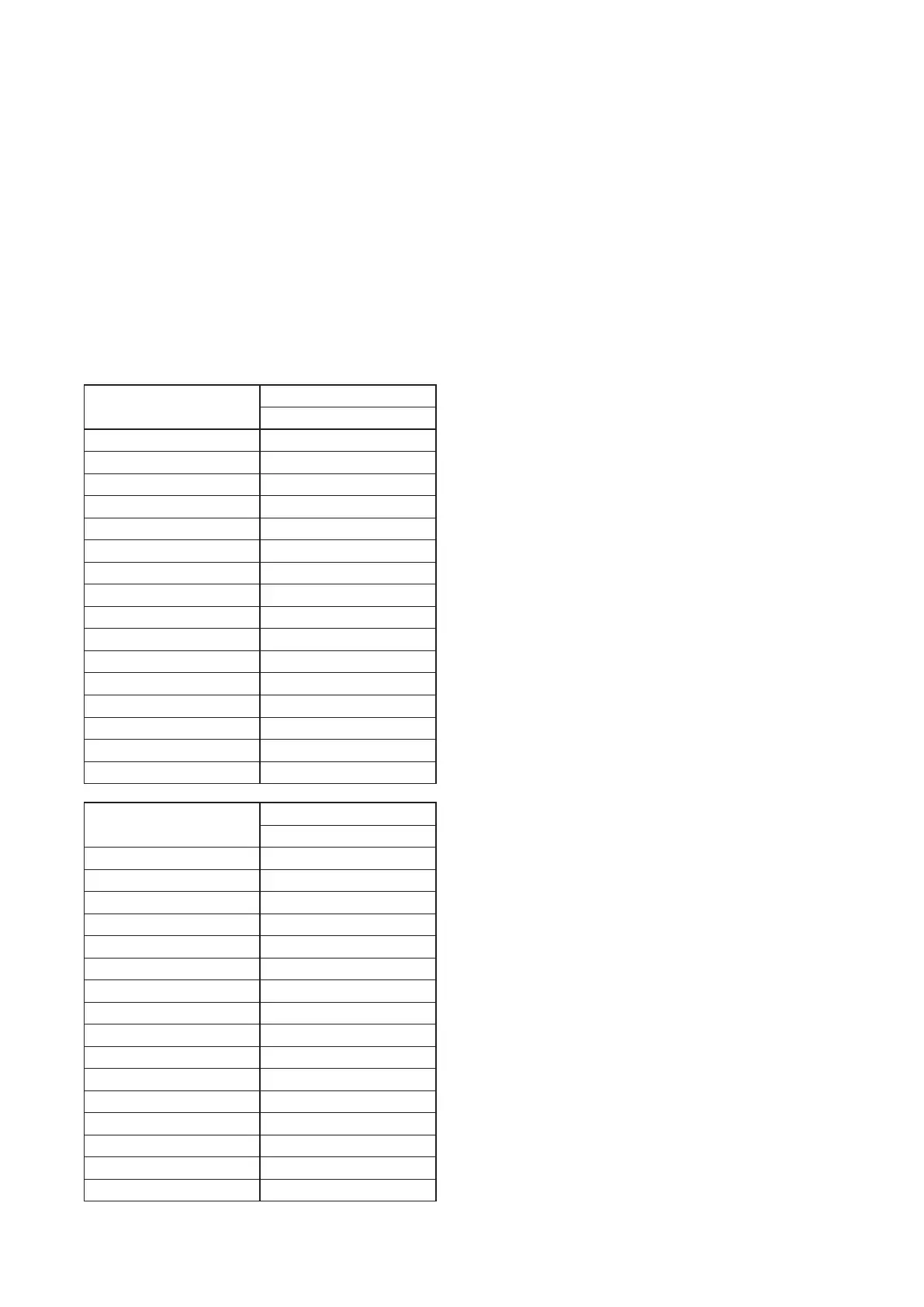
For playback start, each of the Contact-activated input terminals 1 through 16 corresponds to the program
number.
For recording start or deletion start, each of the Contact-activated input terminals 1 through 16 corresponds to
the phrase number. (See the table below.)
Contact-activated
input terminal No.
Playback start
Program No.
1 P001
2 P002
3 P003
4 P004
5 P005
6 P006
7 P007
8 P008
9 P009
10 P010
11 P011
12 P012
13 P013
14 P014
15 P015
16 P016
Contact-activated
input terminal No.
Recording/Deletion start
Phrase No.
1 00001
2 00002
3 00003
4 00004
5 00005
6 00006
7 00007
8 00008
9 00009
10 00010
11 00011
12 00012
13 00013
14 00014
15 00015
16 00016
For the details of activation by Direct control function, see p. 39.



 To Next Page