91
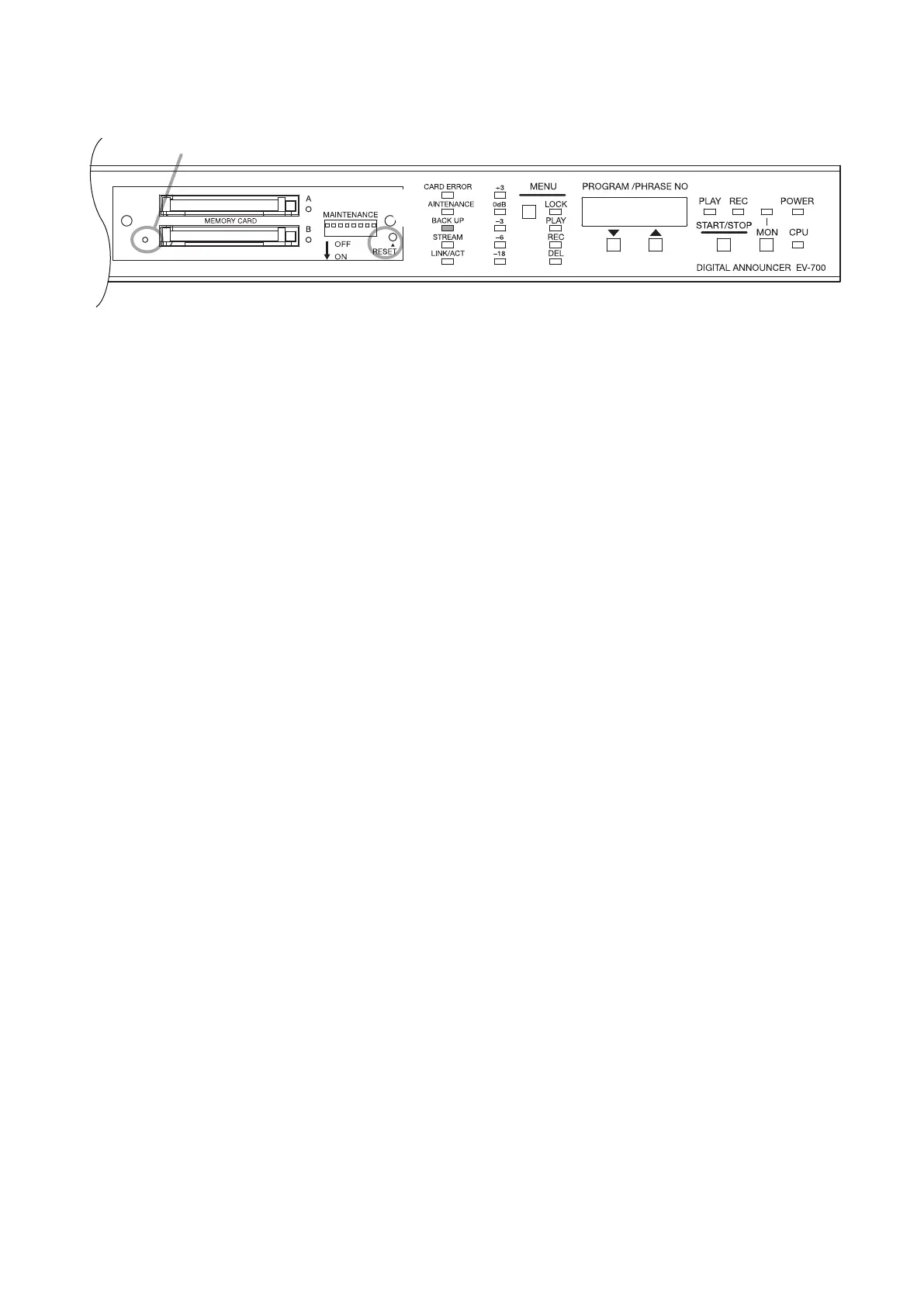
Memory card B in-use indicator
3
2
Step 1. Correct the data on the Memory card A.
Step 2. Press the Reset switch for 2 seconds or more, or disconnect the AC adapter plug on the rear panel,
then connect it again.
Tip
Operation can also be switched to that handled by the Memory card A using the EV-700 Setting
software.
(See the EV-700 Setting software instruction manual.)
Step 3. Conrm that the Memory card B in-use indicator is unlit and the Backup indicator is lit.
28.3. Returning the Operation Using the Memory card B to That Using the Memory
card A



 To Next Page