100
30.2. Error List
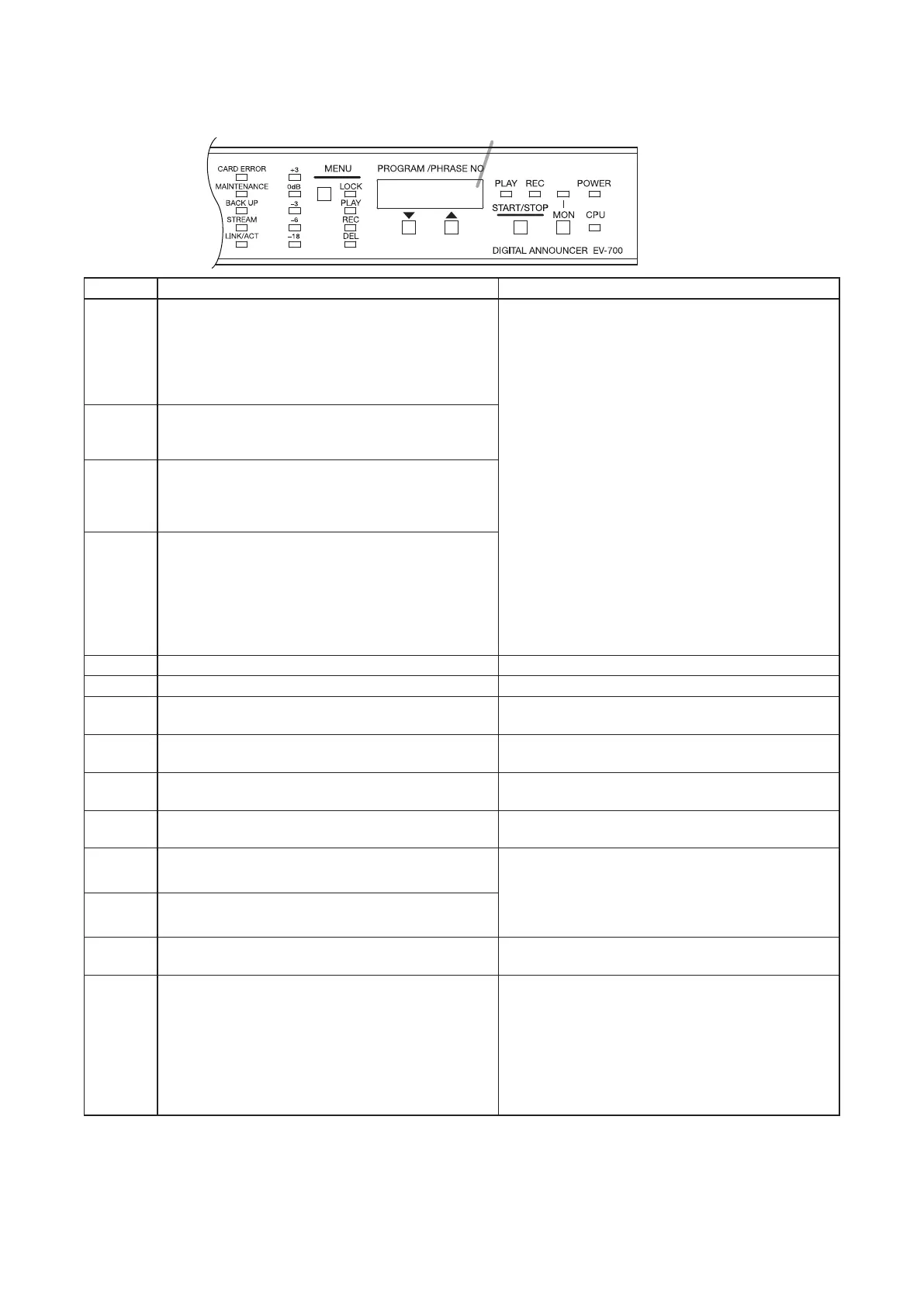
When an error occurs in the EV-700, the error code as shown below appears on the Status display.
Status display
Error cord Error description Remedy
P.WAI T A different command is received during command
processing at the EV-700. Or, an instruction command
or contact activation command is executed under the
condition that it is inexecutable because other function
is operating, such as when playback is started during
recording.
• Check if there is an error in operation such that
the device operation is executed from the EV-700
Setting software while the unit is not in executable
state. Check the condition of the unit, then retry.
• Check if contact activation is made rightly from the
external control device.
Err02 An instruction command or contact activation
command is executed in inexecutable mode such as
when playback is started in Maintenance mode.
Err03 Command or contact activation executable only in
the Emergency broadcast mode is executed.
Or, command or contact activation not executable in
the Emergency broadcast mode is executed.
Err04 In other cases stated above, an instruction command
or contact activation command is executed in the
inexecutable state.
(Example)
Stop instruction is executed by the Playback stop
command during program playback made by Level
signal input activation at the contact terminal.
Err10 Memory card is not inserted. Insert a memory card.
Err11 Memory card B is not inserted. Insert a memory card into the slot B.
Err12 Insufcient free space on the memory card
Check the memory card, then erase the unnecessary
les.
Err13 Memory card is not formatted (initialized) with FAT16. Reformat the memory card. The memory card
format is FAT16.
Err14 Device setting le does not exist on the Memory
card A or failed to open the device setting le.
Check if the device setting le is stored on the
memory card inserted into the slot A.
Err15 Firmware le does not exist on the Memory card B or
failed to open the rmware le.
Check if the rmware le for update is stored on the
memory card inserted into the slot B.
Err17 Failed to write Unit setting le. Memory card error may occur. Check the memory
card error with the PC.
If the error still remains, it may be eliminated by
reformatting the memory card. But note that all
saved data is erased once the card is reformatted.
Err18 Error occurred in memory card copy process.
Err19 Project le on the memory card is incomplete or
does not exist.
Write the project* to the memory card using the EV-
700 Setting software.
Err20 Error occurred when opening the table le. • There may be abnormalities in the project*
conguration. Check the contents using the EV-
700 Setting software.
• Memory card error may occur. Check the memory
card error with the PC.
If the error still remains, it may be eliminated by
reformatting the memory card. But note that all
saved data is erased once the card is reformatted.
* A collection of les necessary for the EV-700 to broadcast. For the details, read the EV-700 Setting software
instruction manual.



 To Next Page