79
19. CONFIRMING THE FIRMWARE VERSION
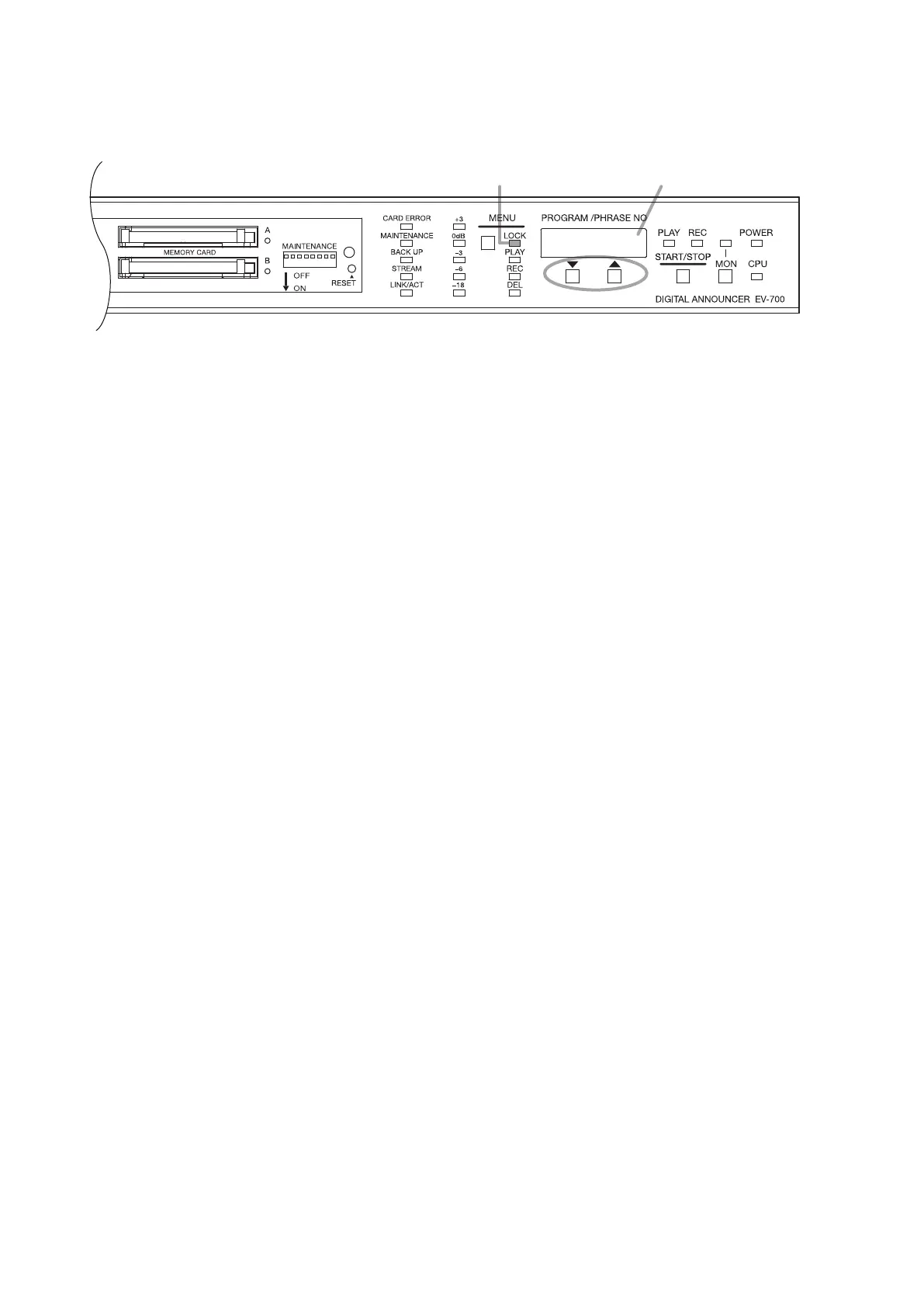
Step 1. Check that the Lock mode indicator is lighting.
Step 2. Press the Up and Down keys simultaneously.
Firmware version appears on the Status display as long as the keys are held down.
Step 3. Release the keys.
Indication disappears.
Tip
Even during operation of the unit, the rmware version can be checked when the Lock mode indicator is lighting.
Status displayLock mode indicator
1
2, 3



 To Next Page