93
29. CONNECTIONS
Note
When connecting the power source to the EV-700 or when connecting the EV-700 to the external audio player
or amplier, be sure to switch off the power of all devices.
29.1. Front Panel Connections
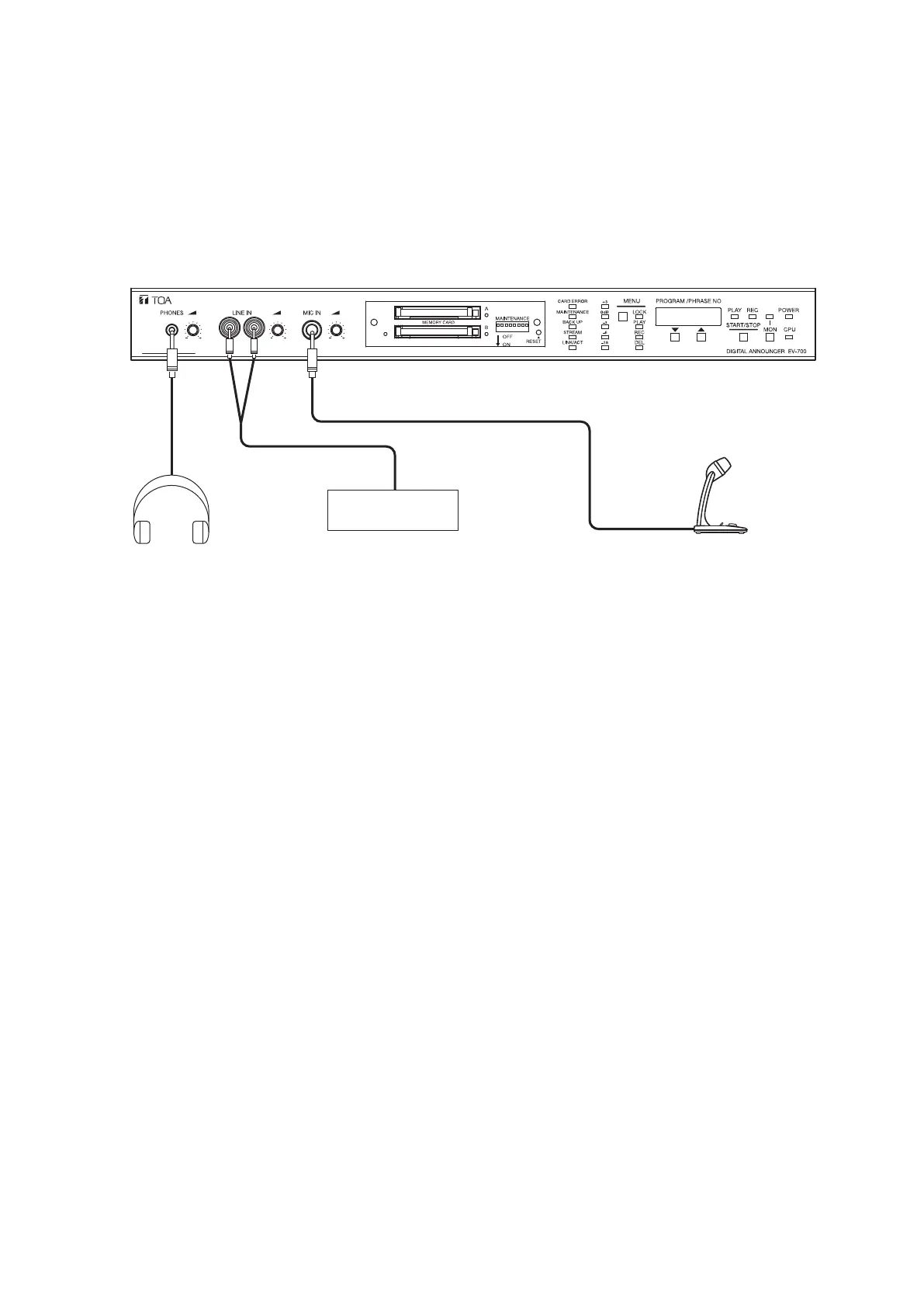
[Connection example]
Headphones
Audio player
Microphone
• Audio sources connected to the front-mounted Line input jacks and those connected to the rear-mounted Line
input terminals are internally mixed.
• When an audio source is connected to the front-mounted Line input terminals, the sound volume of the
audio source of the Line input becomes larger compared to when the audio source is connected to the rear-
mounted Line input terminals only.
• Stereo input signals, if entered, are converted into monaural signals after the left and right channel signals
are internally mixed.
• During recording, microphone input signals and line input signals are not output from the Line output terminals
1 and 2. To conrm the recorded contents (to monitor), use the headphone output. (See p. 27, "Conrming
the Recorded Contents on Memory Card.")
• Audio signals from the Line output terminals 1 and 2 are not muted even if you connect headphones to the
headphone jack during playback.



 To Next Page