17
The Playback order of phrases in a program is referred to as a "Step."
A program is created by using one step or combining 2 or more steps.
One program can contain up to 128 steps of "Phrases" and "Silent phrases*."
In addition, data of broadcasting method, referred to as "Program control data", can be set for individual
programs.
The following types are available for Program control data. See the EV-700 Setting software instruction manual
for details.
Program control data type
Reference
page
Program name –
Output destination (Line output 1, Line output 2) p. 12
Playback system (Program playback, Step playback, All phrases playback, and Chime playback) p. 66
Program sound volume (0 to10) p. 85
Program playback busy output destination (1 to 8) p. 87
AGC (ON/OFF) p. 85
Priority level (2 to 8) p. 81
Repeat count p. 66
Repeat time p. 63
Repeat interval p. 66
Busy output during repeat interval p. 66
Interval (Phrase interval) p. 68
Busy output during interval p. 69
* Refers to pause between phrases, which can be adjusted in seconds. It can be created using the EV-700
Setting software.
10.3. Playing a Program
Playback is executed for each program.
Your desired program can be selected and played through the front key operation or using the EV-700 Setting
software.
In the case of operation by way of Control contact, your desired program can be played by closing the control
contact input terminal corresponding to the program.
10.3.1. Program example
[Phrase data on the memory card]
Phrase number Contents
00001 (chime)
00003 the train will be arriving shortly
32768 at track No. 3
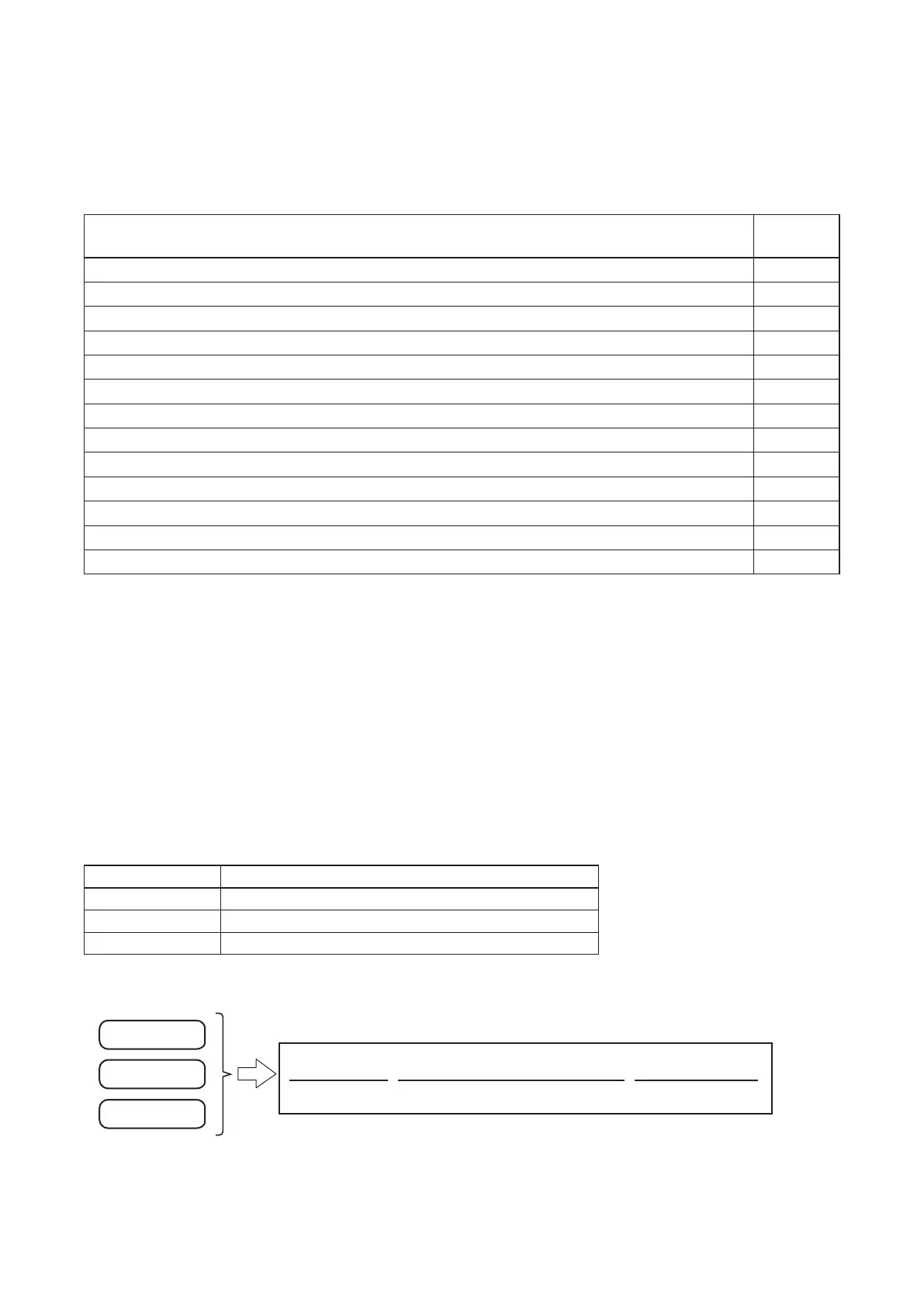
[Program 1]
Announcement below is broadcast when the Program 1 is played.
(chime) the train will be arriving shortly at track No. 3
Phrase 00001
Phrase 00003
Phrase 32768
Phrase 00001 Phrase 00003 Phrase 32768
Tip
Phrases 00001 through 00016 are registered in Program Nos. P001 through P016, respectively, by default.
As audio sources are prerecorded only in Phrases 00001 through 00008, the prerecorded audio le registered
in Phrase 00001 is played when Program 001 (P001) is executed. (See p. 18.)



 To Next Page