EasyManua.ls Logo

Toa EV-700 - User Manual

Toa EV-700
106 pages
Print Icon
To Next Page IconTo Next Page
Loading...
INSTRUCTION MANUAL
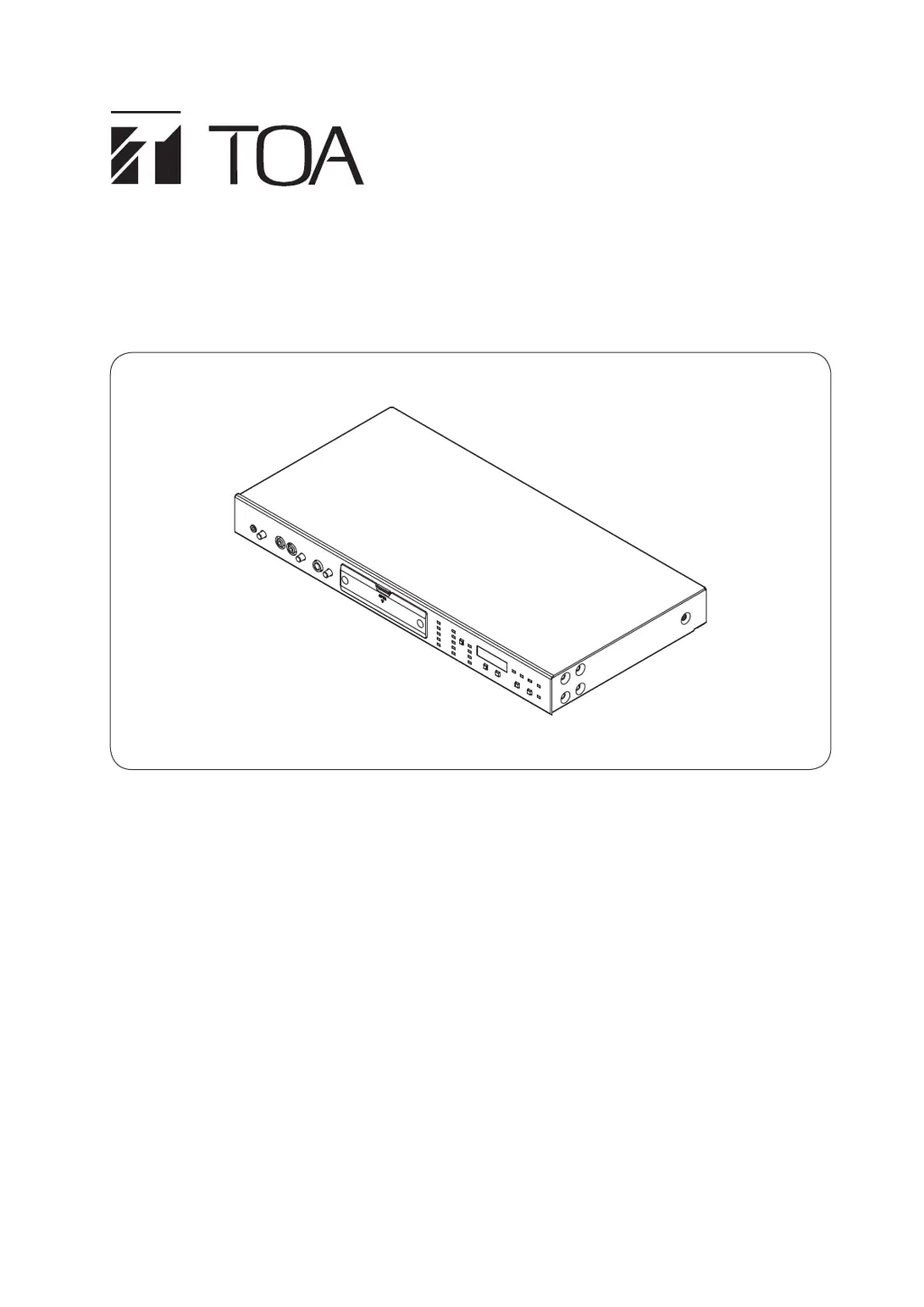
DIGITAL ANNOUNCER EV-700
Thank you for purchasing TOA's Digital Announcer.
Please carefully follow the instructions in this manual to ensure long, trouble-free use of your equipment.

Table of Contents

Questions and Answers

  • V
    Vincent LittleSep 12, 2025
    What does "P. WAIT" indication mean on Status display of Toa EV-700 Speakers?
    • M
      Mrs. Jennifer Johnson MDSep 12, 2025
      The "P. WAIT" indication on the Status display of your Toa Speakers means that some process is currently running inside the unit, which prevents other operations. Wait for the current internal process to finish before trying again.
  • D
    dadamsSep 12, 2025
    What does "Errxx" indication mean on Status display of Toa EV-700?
    • B
      brownemilySep 13, 2025
      If the "Errxx" indication appears on the Status display of your Toa Speakers, it signifies that an error has occurred. Confirm the remedy in the Error list.
  • M
    Marvin KellySep 15, 2025
    Why is the power indicator not lit on my Toa EV-700?
    • S
      shawncowanSep 15, 2025
      The power indicator isn't lit on your Toa Speakers because power is not being supplied. Ensure you supply power to the unit's AC adapter input terminal or DC power input terminal. Note that the unit does not have a power switch.

Toa EV-700 Specifications

General IconGeneral
BrandToa
ModelEV-700
CategorySpeakers
LanguageEnglish

Related product manuals