Pro Fusion User Manual v.2.2 13
3 AC power adapter Provides the additional power required when the USB
Type-A to Type-C adapter is used
4 Safety and Compliance Printed versions of important information
5 USB Type-A to Type-C
adapter plug
Used when the computer does not have a USB Type-C
port
6 6 International plug
adapters
Used with the AC power adapter to match international
outlets
7 Cleaning cloth For cleaning the surface of the eye tracker
8 Four mounting plates with
non-permanent adhesive
Attaches the Pro Fusion eye tracker to the screen bezel
9 Four cleaning wipes Removes any dust and grease in the area around the
screen before attaching a mounting plate
4.5 USB and power adapter
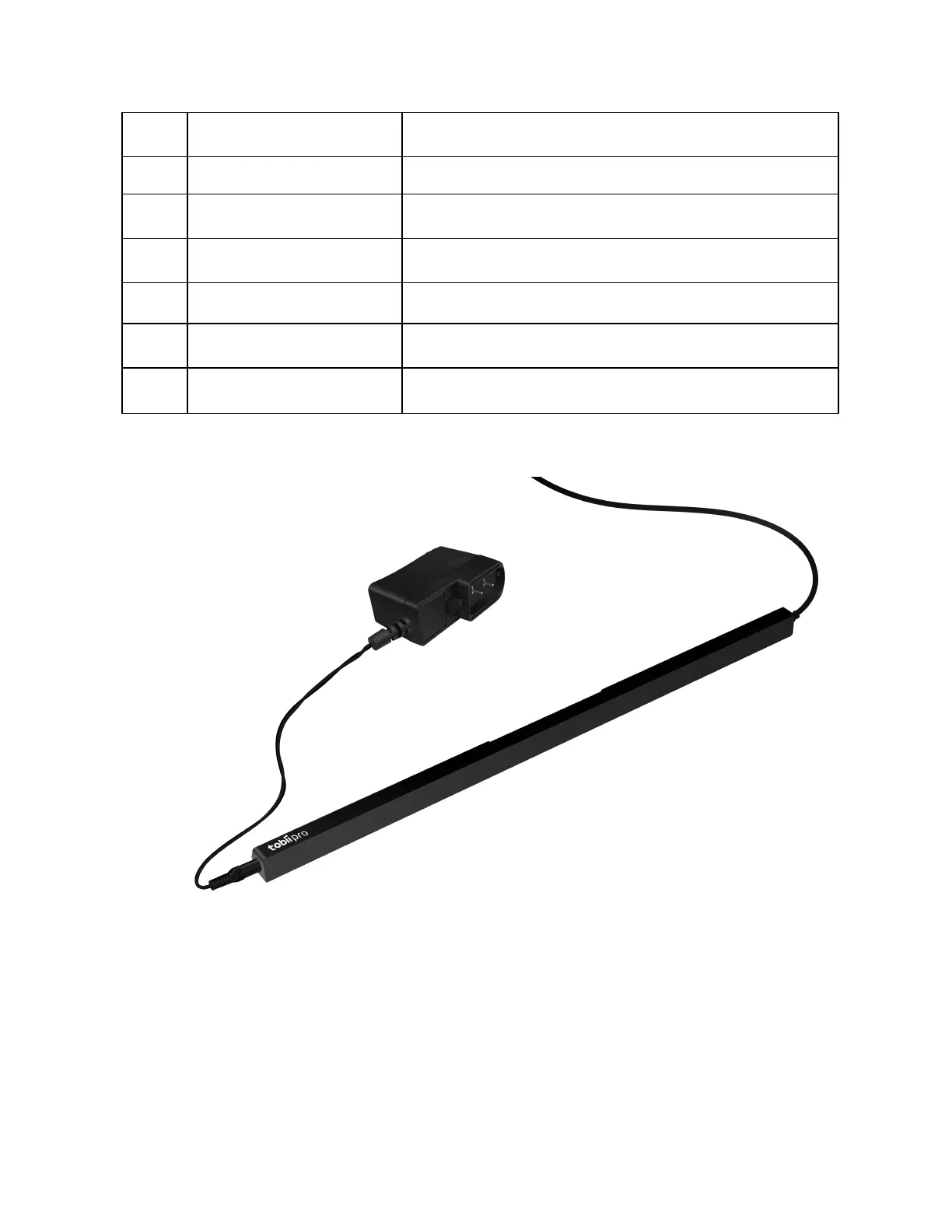
Figure 1. The fixed USB cable is on the right side of Pro Fusion and the power supply port is on the
left side The left side of the Pro Fusion eye tracker has a jack for plugging in the AC power adapter.
The right side of the Pro Fusion eye tracker has a fixed USB cable that plugs into the computer’s
Type-C port or into a Type-A port using the included USB Type-A to Type-C adapter. For more
information, read How to use the USB Type-A to Type-C adapter.


 To Next Page