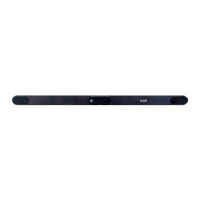
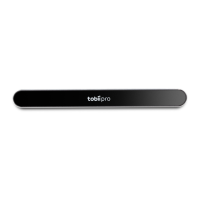
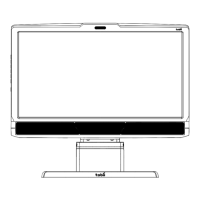
The following chapters describe a number of recommended setup configurations that are suitable for
different types of studies. Your particular needs may differ from these standard configurations, but
they should provide valuable insights. More detailed information is available in the Eye Tracker User
Manual delivered with the product.
For specific information about custom configurations, or minimum system recommendations,
please contact your Tobii sales representative or Tobii technical support. The minimum system
recommendations document can be downloaded at www.tobii.com.
Tobii setups with an integrated eye tracker and screen
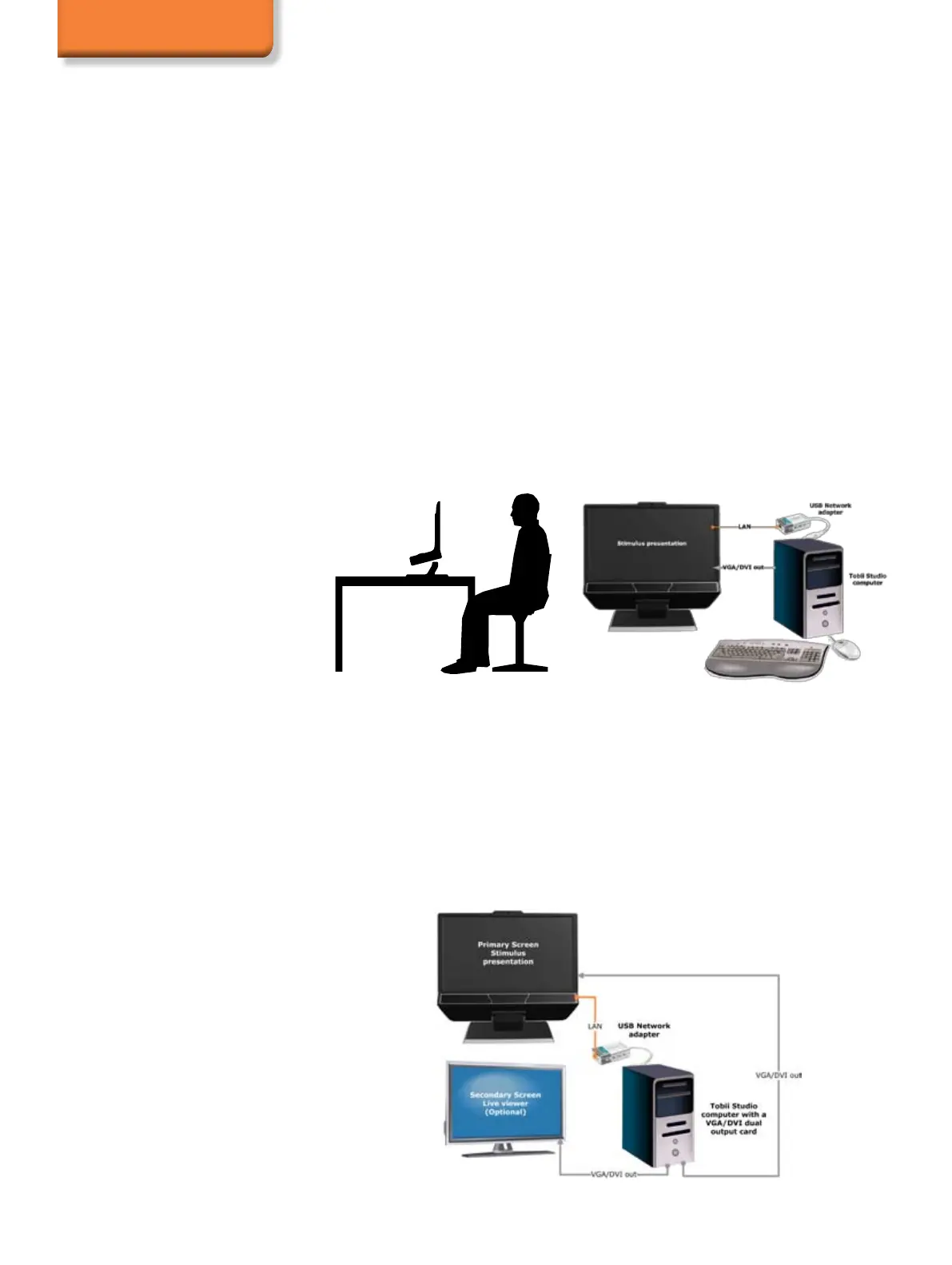
This basic setup is the simplest setup when using on screen stimuli, such as images, movies, web or
screen advertising. On screen stimuli is commonly used in web usability testing, reading research,
psychology research, etc.
The pictures below illustrate the single screen setup a USB-LAN adapter. It is also possible to
connect the eye tracker directly to the computer’s LAN connector. To create a portable lab, replace
the computer in the setup drawing with a laptop or shuttle computer.
The eye tracker is connected via a USB LAN adapter.
Eye Tracking Setups
Local Live Viewer
This setup requires the Tobii Studio Professional or Enterprise version. The setup below is used when
the test is to be supervised from a screen next to the eye tracker setup where the moderator can see
the eye movements of the subject in real time during testing. It is suitable when using such on-screen
stimuli as images, movies, web or screen for advertising and usability testing, psychology research,
reading research, etc.
In many studies, it is important to see the participant’s reactions, record the conversation between
the test leader and test participant, as well as the test participant’s feedback when using a think-
aloud protocol. This setup option makes it possible to use the built-in user camera and connect a
microphone to record the participant’s image and sound.
To create a portable lab, replace the computer in the setup drawing with a laptop or shuttle computer.


 To Next Page