Frequency
Default Setting
Language : Chinese/English/Japanese/Deutsh/French/
Italian/Spanish
Date/Time: Change the time and date by using the UP and
DOWN button, then press OK to confirm.
Format: Format the Micro SD card.
Default Setting: Reset all settings back to factory default.
Version: Check firmware version.
Resolution
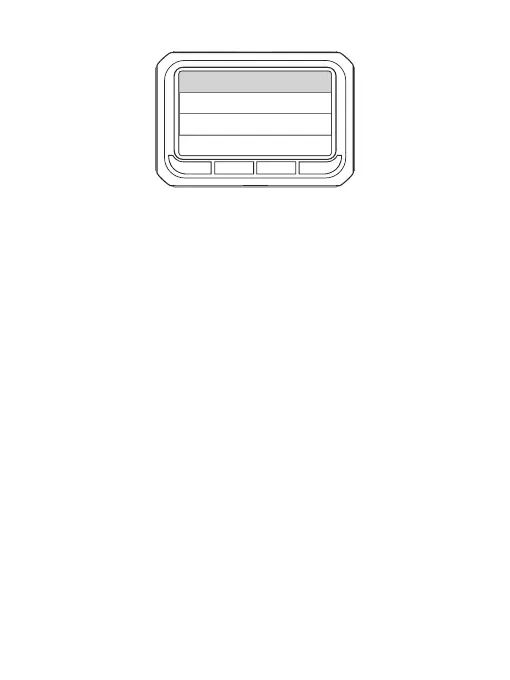
Lan g uage
For m at
Dat e /Time
Def a ult Setti ng
12



 To Next Page