Press MENU button twice to access System Setting Menu in
any mode. The TOOL icon is highlighted in the upper left corner.
Screen Saver: Set the time to automatically turn off the LCD
display after no operation.
Auto Power Off: Set the time for the camera to automatically
power off to save energy. After the camera is idle for set time, it
will power off.
Frequency: Set light frequency to 50Hz or 60Hz, and press OK.
Beep Sound: Turn on/off sounds when you press any buttons.
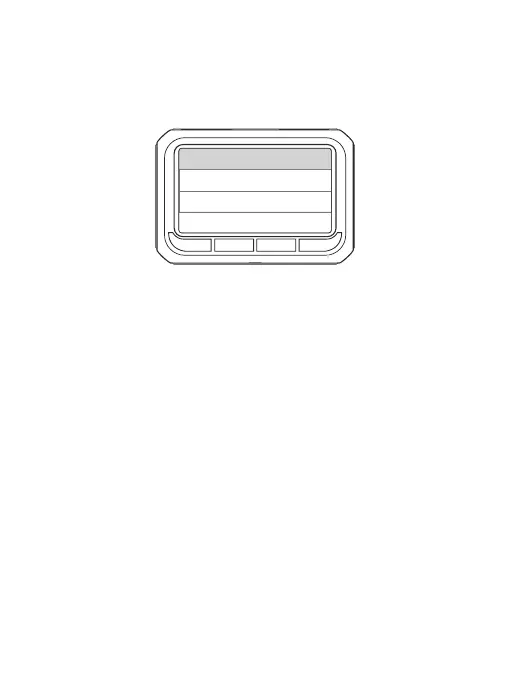
System Setting Menu:
Resolution
Scr e en Saver
Fre q uency
Aut o P ower Off
Bee p S ound
11


 To Next Page