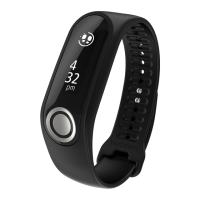
This User Manual explains everything you need to know about your new TomTom Touch Fitness
Tracker.
What is a fitness tracker exactly?
Your TomTom Touch tracks your activities AND your body composition. Body composition is a great
indicator of your fitness. When people exercise, what they usually want is to reduce their body fat %
and increase their muscle %. With your TomTom Touch, you track what you’re made of, not just
your steps.
What are the key features?
Your TomTom Touch has a touchscreen and can track steps, calories, active time, distance, sleep,
heart rate and body composition.
Tip: Though this product is a TomTom product, it has no GPS so it doesn't do navigation. If you
are looking for a product that records your running and cycling routes on the map, and has
precise speed, pace and distance calculations, try a TomTom GPS Sports Watch.
Here are some good starting points in this User Manual:
Quick Start
About your Fitness Tracker
Wearing your Fitness Tracker
Charging your Fitness Tracker
Your Fitness Tracker and water
Tip: There are also frequently asked questions (FAQs) at tomtom.com/support. Select TomTom
Touch Fitness Tracker from the list or enter a search term.
We hope you enjoy reading about and, most importantly, having fun while getting fitter using your
new TomTom Touch!


 To Next Page