TH2821A OPERATION MANUAL
27
5. Sorting Setup
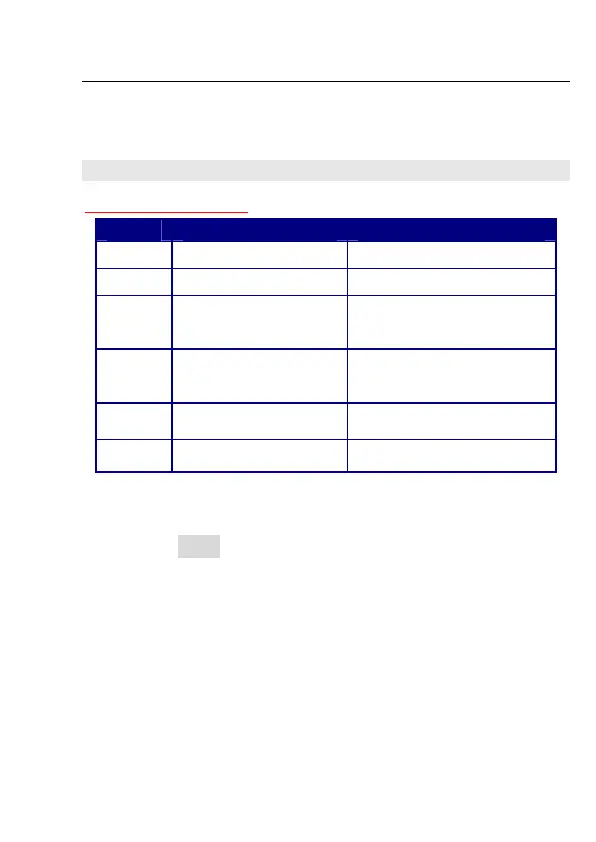
 Key Convention:
Key Main Menu Data Input
r
Select the former item Select the left digit
q
Select the next item Select the right digit
p
Select parameter for
StD setup
Increase the digit, move
the point left and set the
unit
o
Select parameter for
StD setup
Decrease the digit, move
the point right and set the
unit
x
Enter the sub menu
Confirm the data input, and
return to the main menu
}
Return to the
measurement state
Return to the main menu
Table 4-4 Key convention in sorting setup
z Press u key to select the second function, “SHIFT”
will be lighted on the screen.
z Press LIMIT to enter the sorting setup, P1~ will be
flashing on the screen, and the value of P1~ is also
displayed.
z Use r, q to select the following sorting parameters:
P1_: Low limit of P1
P1~: High limit of P1
P2_: Low limit of P2
P2~: High limit of P2
P3_: Low limit of P3
P3~: High limit of P3



 To Next Page