TH2821A OPERATION MANUAL
28
Q_: Low limit of Q
D~: High limit of D
StD: Standard value
z Press
} key to abort the sorting setup and return to
the measurement state.
z Press
x key to select a parameter and enter the
data input operation.
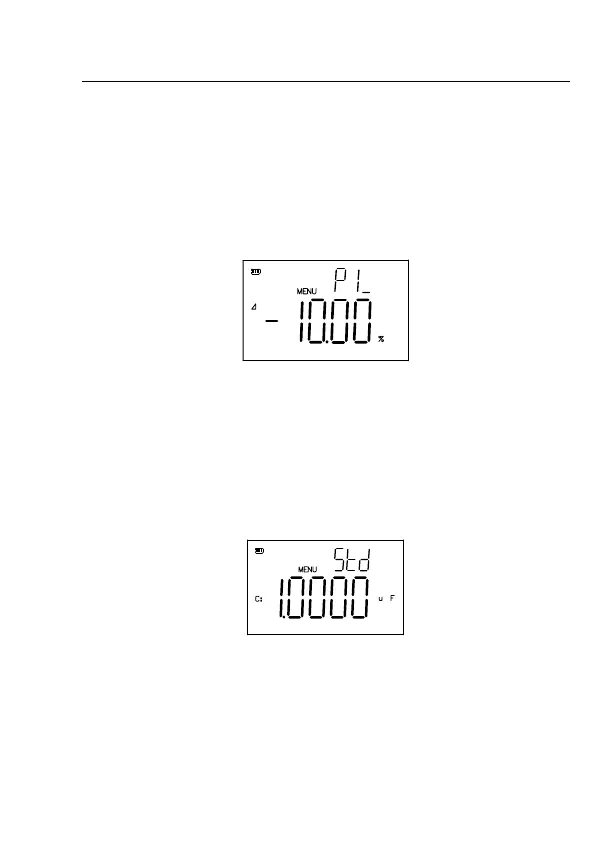
Figure 4-7 Sorting Limit Setup
z Use r, q keys to select a digit or the point.
z Use
p,o keys to set the numeric value.
z Press
} to return to the main menu.
z Press
x to confirm and save the numeric data.
z Select parameter STD to set the standard Value.
Figure 4-8 Standard Value Setup
z Use r, q keys to select a digit, the point or the unit.
z Use
p,o keys to set the numeric data and unit.
z Press
} to return to the main menu.



 To Next Page