TOOBOM VOICE RECORDER http://toobomworld.com
- 10 -
- 10 -
copy and MP3 file to your recorder from your computer
Safely reject the external drive from your computer, and then plug off the
voice recorder
Switch on the voice recorder, select MUSIC
Press M to enter music folder, and then press PLAY/PAUSE, playback your
music
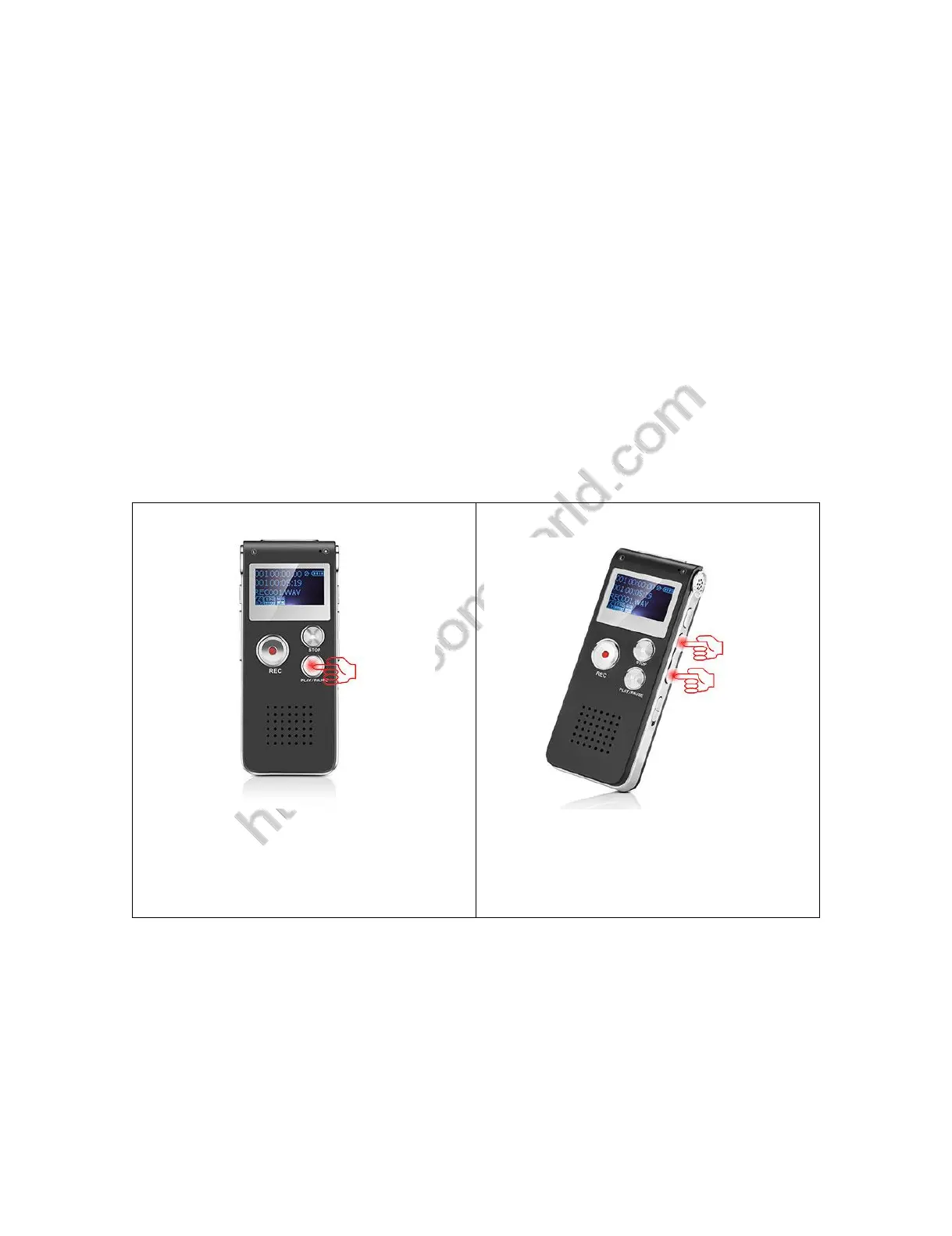
See below picture for details.
1) Press PLAY/PAUSE, power on your
voice recorder
2) Press FF/REW, select music


 To Next Page