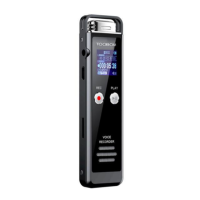
TOOBOM VOICE RECORDER http://toobomworld.com
- 3 -
- 3 -
Chapter One
How to use your voice recorder R01
1) Charging your voice recorder
Connect it to your computer with enclosed cable, it will charge, once it has
finished charging ( typically around 3 hours), you can eject the device from
the USB port
You could also connect to your cell phone adaptor for charging
2) Turn on your voice recorder
Simply push the switch power button (at right side ) to “ON” position, it will
boot on
Switch it back to “OFF”, it will shut down
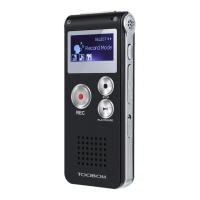
See below picture
NOTE: when connect to computer, you could see the drive connect to computer icon.
If you go to the recording interface, you could see the battery icon is filling up when you
turn on the recorder;
NOTE:
Do not use the right side switch to totally shut down your voice recorder, or
it will reset your voice recorder system time to default
We suggest you long press PLAY/PAUSE button to power off your voice
recorder, and next time you just need to press PLAY/PAUSE again to wake up
your voice recorder


 To Next Page