TOOBOM VOICE RECORDER http://toobomworld.com
- 11 -
- 11 -
3) What you will see on the screen
4) Press M, see initializing
5) Press PLAY/PAUSE, playback
recording
NOTE: during playback music,
you could press M, to setting
Playback Settings such as
Repeat, Equalizer and so on
8) Go to setting
Turn on your voice recorder
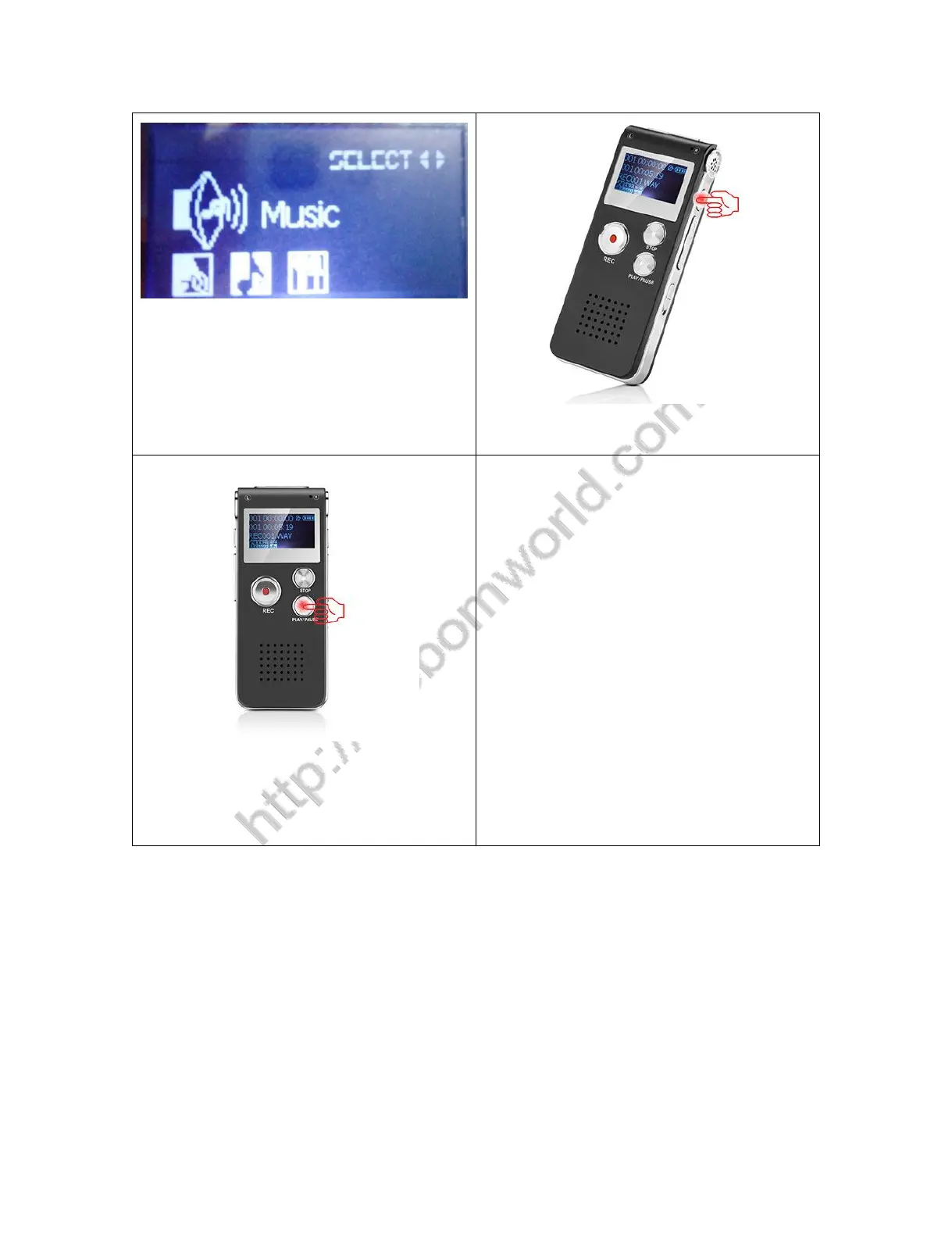
Press M go to setting, you could select RECORD, MUSIC, SETTING MODE
Select SETTING MODE, press M, you could enter system setting
In system setting, you could set record type, system time, blacklight,


 To Next Page