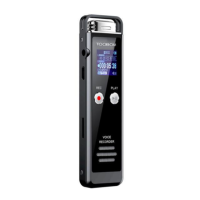
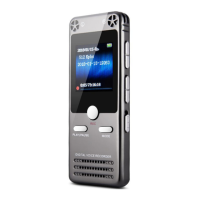
TOOBOM VOICE RECORDER http://toobomworld.com
- 15 -
- 15 -
7) How to Switch Previous / Next Recordings or Music
In the status of playback, press DOWN or UP, you could switch to next or
previous track
8) How to turn on voice activated function
Go to setting mode, select Record Type, and find HQ VOR, FINE VOR, LONG
VOR, these 3 selection was voice activated recording mode. And press M
confirm your selection.
When successfully setting this, press REC, you could see a MOUTH icon
below the recordings name
9) How to set system time
Go to setting mode, select System Time, enter it
Press “ + “ , the year start to blink
Press UP/DOWN to adjust
Press “ + ” to next to month/date, and then till to seconds.
After you finished setting, press M confirm, and now the system time was
successfully set and saved


 To Next Page