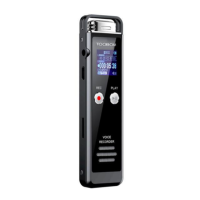
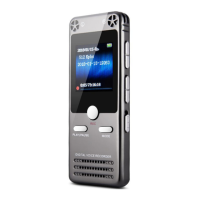
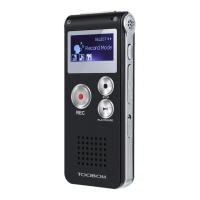
TOOBOM VOICE RECORDER http://toobomworld.com
- 14 -
- 14 -
So we suggest you every time after recording, connect your voice recorder
to your computer, and check the storage, in case it is too later
4) Cannot Switch on the voice recorder
Check if the recorder battery whether used up or not. When batter it is low,
battery icon on the right corner will be hollow ( you could see this at the
recording interference or music playback interference )
Second, you could check, the right POWER button, if you push it at OFF
position, press PLAY/PAUSE button, you cannot switch on the voice
recorder
5) How to know it is charging
When charging, you could see battery icon is filling up
6) How to Adjust Playback Speaker Volume
At the status of playback, press “ - “ button, decrease volume, press “ +
“ increase playback volume


 To Next Page