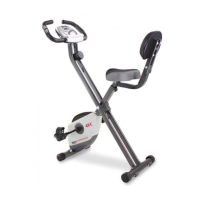
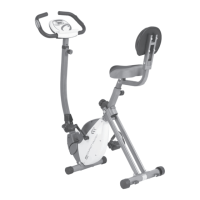
ASSEMBLY INSTRUCTIONS
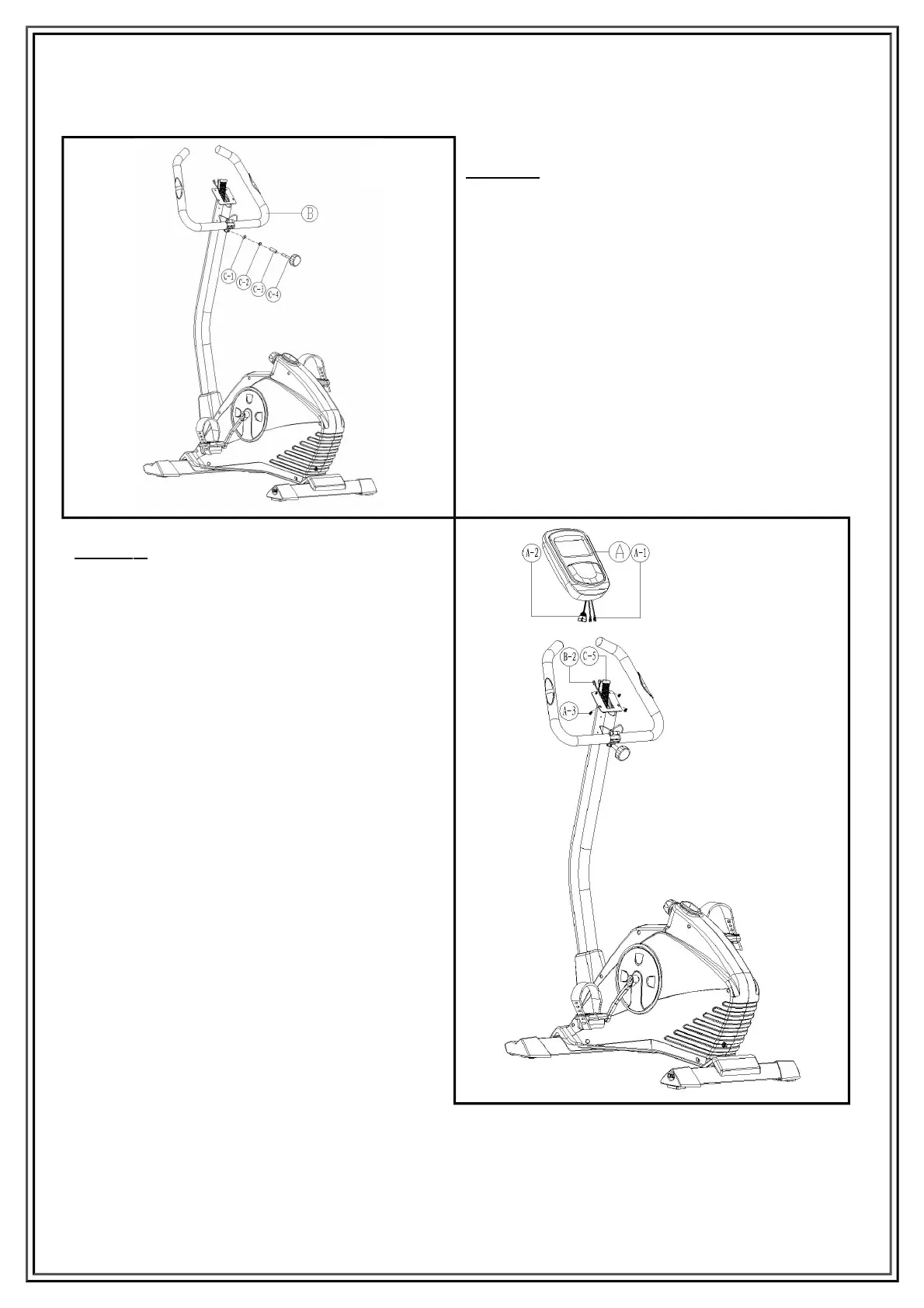
Step 4
Attach the handlebar (B) to the handlebar
post between the steel covers, secure the
steel cover assembly using one flat washer
(C-1), one spring washer (C-2), one bushing
(C-3) and one knob (C-4).
Step 5
Plug in the cables (A-1&B-2) between the
computer and the handlebar post, plug in
the motor cable (A-2&C-5) between
computer and handle bar post.
Fix the computer onto the handlebar post
with four screws (A-3).
5


 To Next Page