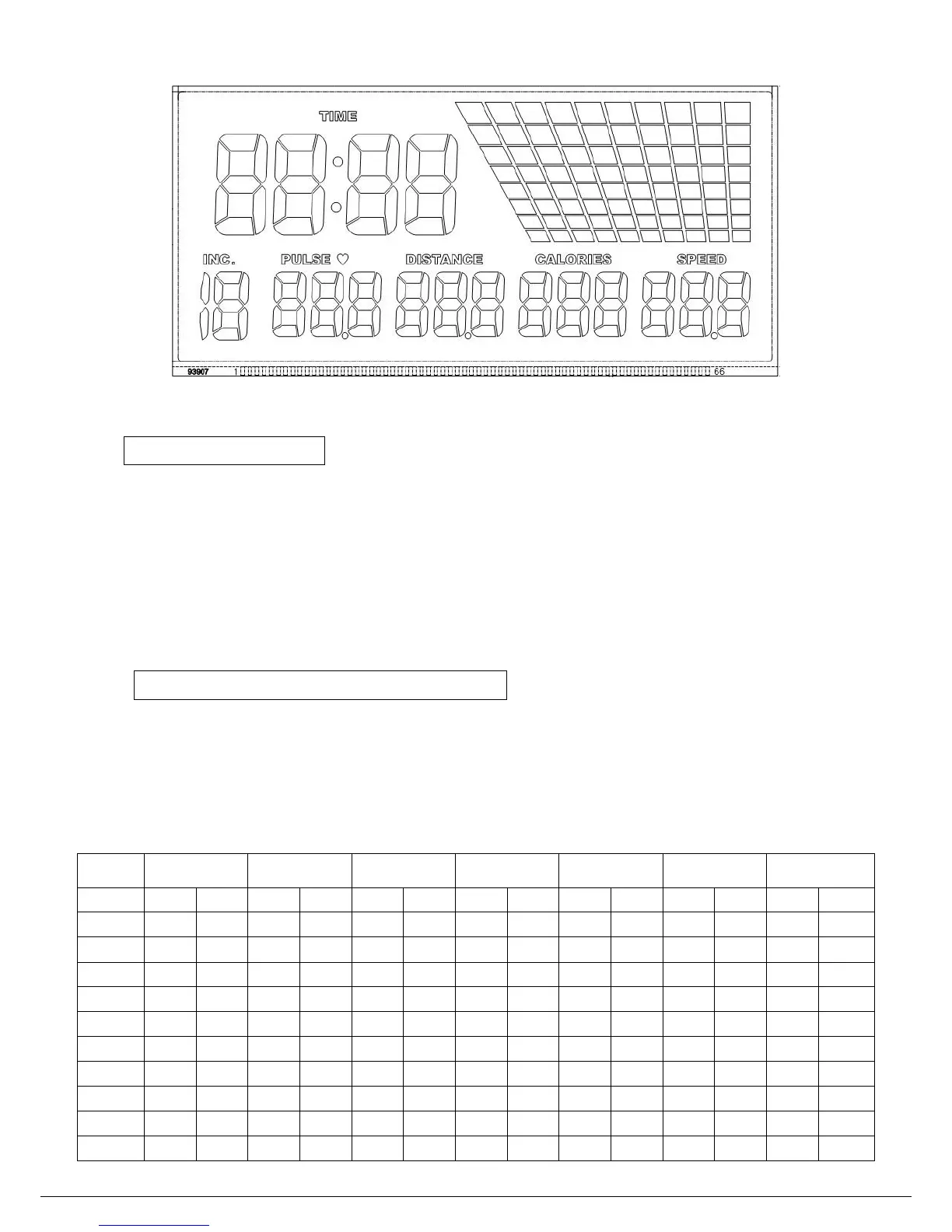
7
QUICK START
1、Attach the safety key to the console and your clothing.
2、Connect the treadmill to the power supply and switch on.
3、Press the START button. The treadmill will count down from 5 and then start at 1.0 km/h.
4、Move onto the running surface.
5、Press the SPEED UP or SPEED DOWN button to increase or decrease the SPEED.
6、Press the INCLINE UP or INCLINE DOWN button to increase or decrease the INCLINE.
7、Press the STOP button to stop the treadmill and reset all values.
PRESET PROGRAM SELECT
1、Connect the treadmill to the power supply.After program selected, press START button.
2、Repeatedly press the PROGRAM KEY until the required program has been selected. The
table as below show each program with their speeds in km/h and their inclines in %. The
treadmill will stay at each section for a tenth of the time selected for the workout.


 To Next Page