Topcom Allure 270 7
Topcom Allure 270
ENGLISH
7Installation
7.1 Battery installation
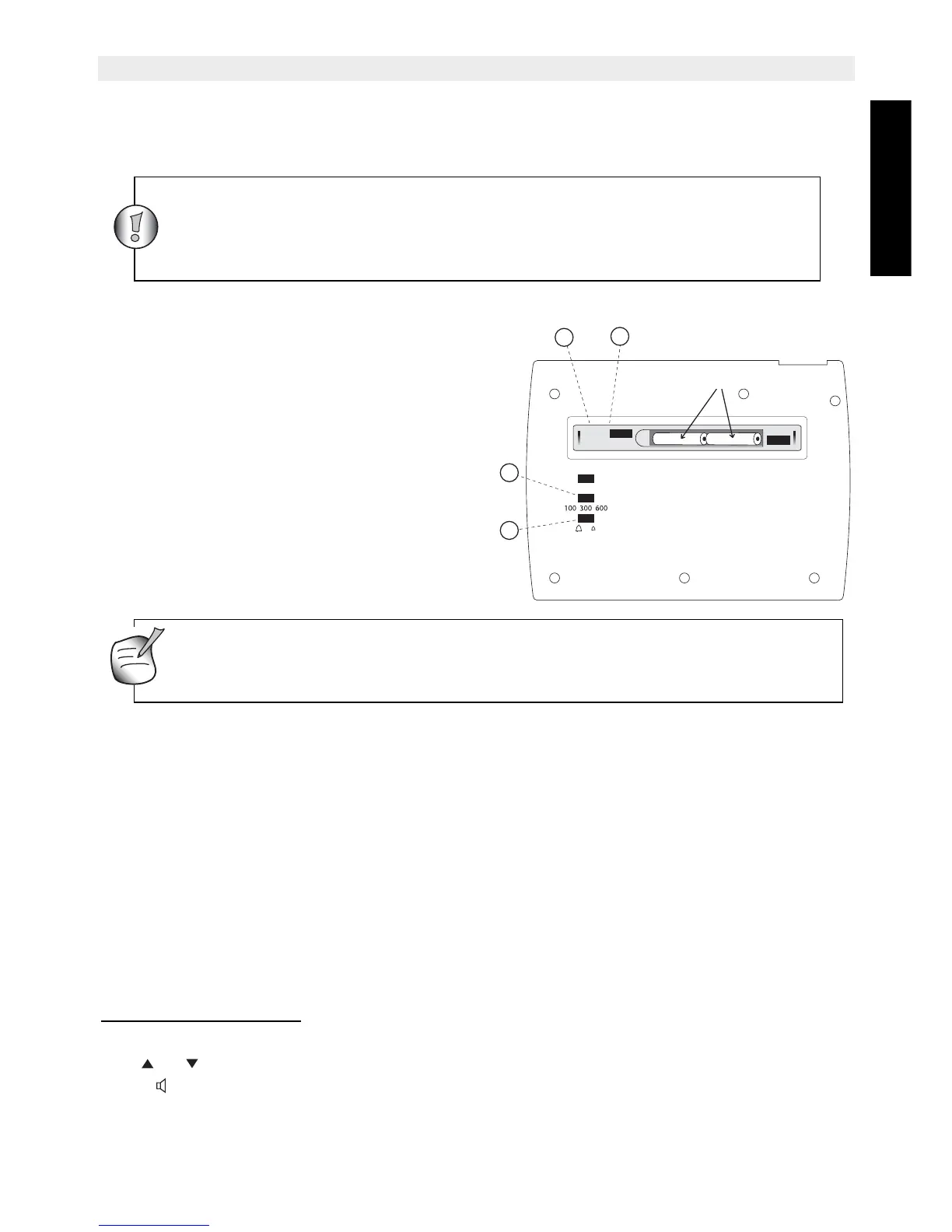
Batteries must be installed to prevent that
messages are lost during power failure.
• Open the battery compartment at the
bottom of the unit using a screwdriver.
• Insert 3 AAA Alcaline batteries (1,5V),
following the polarity as shown.
• Close the battery compartment.
Note: When the battery indicator is shown,
the batteries must be replaced. When the
batteries are removed, you have 5 minutes
to replace them. After that time, the memory
will be lost.
7.2 Installing power supply and line cord
For installation, do the following:
• Put the telephone on a flat surface.
• Plug one end of the supplied adapter into the electric socket and the other end into the
connector on the backside of telephone (21).
• Plug one end of the adaptor into the telephone wall outlet and the other end into the
adapter jack on the backside of the telephone (22).
8 Getting started
8.1 Initialisation
8.1.1 Display language
After installing the batteries, the default display language is shown.
Use or to select the desired display language.
Press to go to the next setting ‘Memory capacity’.
Never change batteries when the telephone line is connected !
Dispose of batteries at a designated battery disposal unit and not in the
household waste. Do not short-circuit & dispose of in fire. Remove the
batteries if this device is not going to be used for a long period.
+
-+-
3 X AAA Alkaline
21
22
23
24
Only use the charger plug supplied. Do not use other chargers, as this
may damage the batteries cells.



 To Next Page