10
,QVWDOODWLRQ 8OWUD5DQJH
&RPPLVVLRQLQJWKHFKDUJLQJVWDWLRQ6F
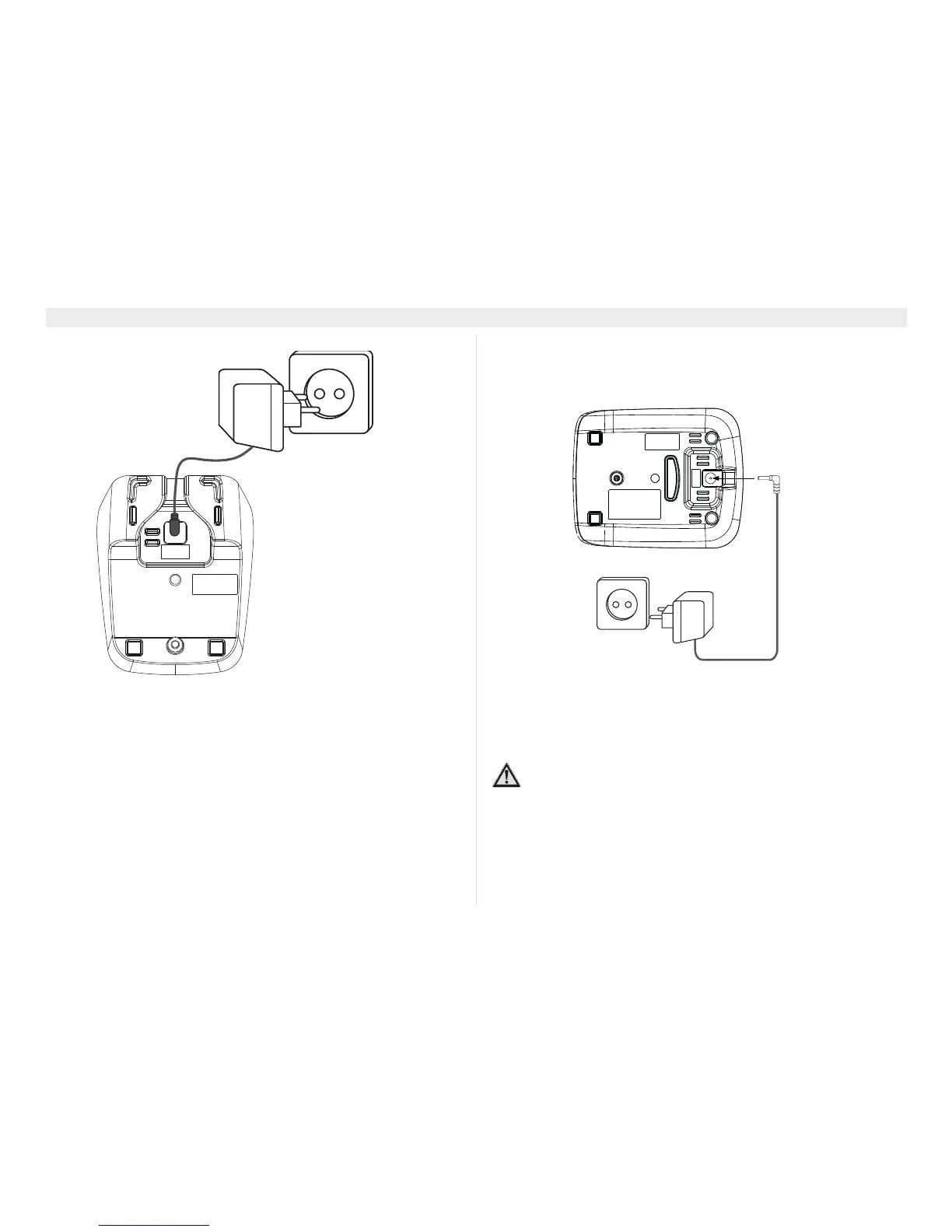
1. Bottom of the charging station
2. Mains adapter
&RPPLVVLRQWKHFKDUJHUVWDWLRQ6F
Perform the following steps:
Plug the mains adapter into a 230 V socket. Plug the connector into
the adapter jack on the bottom of the charging station.
1. Bottom of the charging station
2. Mains adapter cable
,QVHUWLQJUHFKDUJHDEOHEDWWHU\SDFNLQWRWKH
KDQGVHWRIWKH6F
1. Open the battery compartment (see below).
2. Line up the battery connector with the jack inside the handset
and push the connector in until it clicks into place. Tug gently
2
1
5LVNRILQMXU\GXHWRH[SORVLRQ
Only use the supplied rechargeable batteries type
(BT-800 2,4V DC).
1
2















 To Next Page