15
8OWUD5DQJH
(1*/,6+
0HQXRYHUYLHZ
(*) Some menus are not shown depending on the country you have
set (see “8.1 Set country”).
+DQGVHWVHWWLQJVDQGRSHUDWLRQ
3RZHULQJXS6HWXSPRGH
At the first insertion of the battery or after a reset operation, the
handset shall enter the set up mode. The user should select the
country for various country dependent settings:
1. ‘:(/&20(’ is shown for the first seconds followed by the
country setting menu.
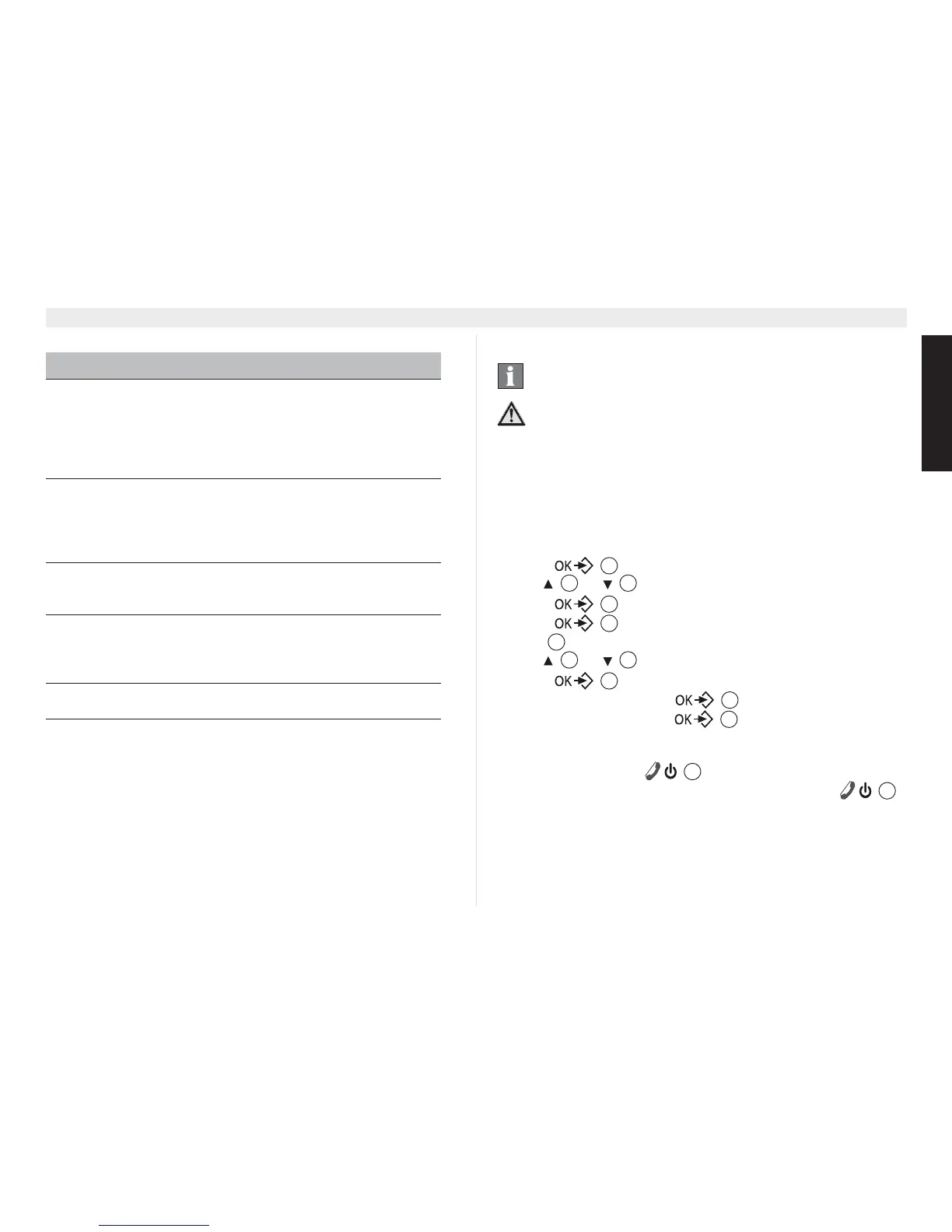
2. Press .
3. Use or to select the country.
4. Press to confirm.
5. Press again to confirm or press the escape key
(6& to go back.
6. Use or to select the language
7. Press to confirm.
8. Enter the date and press to confirm.
9. Enter the time and press to confirm.
6ZLWFKLQJWKHKDQGVHWRQRII
1. Press the on/off key until the display turn on.
2. To switch off the handset, hold down the on/off key
for more than 5 seconds until the device switches off.
0HQXODQJXDJHVHOHFWLRQ
The telephone has 14 menu languages, to set the language,
proceed as follows:
0HQX 6XEPHQXRSWLRQV
HS SETTINGS HANDSET NAME
HANDSET TONES
LANGUAGE
AUTO ANSWER
AUTO HANGUP
VOICEMAIL
CLOCK & ALARM SET DATE&TIME
SET FORMAT
ALARM
ALARM TONE
AUTO CLOCK ADJ
BS SETTINGS PIN CODE
CONFERENCE
RESET
LINE SETTINGS COUNTRY
RECALL TIME (*)
FIRST RING
DIAL MODE (*)
REGISTRATION REGISTER
UNREGISTER
ANSWER MACHINE PLAY
DELETE ALL
ANSWER ON/OFF
RECORD OGM
ANSWER MODE
SETTINGS
The steps below show the key and display symbols and
the position numbers on the device overview.
3RVVLEOHGDQJHUGXHWRIDXOWVLQWKHGHYLFH
Follow the safety notes.
17
4 15
17
17
3
4 15
17
17
17
6
6















 To Next Page